> ## Documentation Index
> Fetch the complete documentation index at: https://help.gorelo.io/llms.txt
> Use this file to discover all available pages before exploring further.
# Schedule tickets creation
> Schedule tickets in Gorelo to be created automatically on a daily, weekly, or monthly cadence with preset titles, groups, actions, and client assignments.
1. Navigate to Settings —> Automation —> [**Scheduled Tickets**](https://app.gorelo.io/Admin/admin-settings#automation#scheduledtickets)
2. Click ‘**+Automation Rule**’ in the top-right
3. Enter the details you want on the resulting ticket:
* **Title**: this will be the title of the ticket
* **Group**: this will be the default assigned group and govern visibility/permissions
* **Description**: this will appear as a private comment on the ticket (optional)
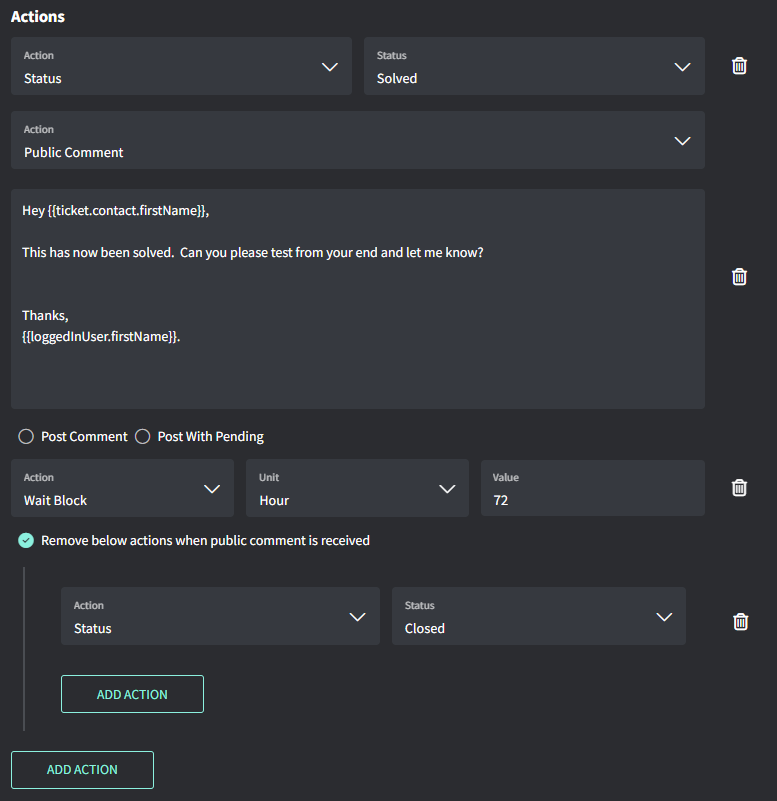
* **Actions**: these are additional actions such as assigning users, checklists, tags and more (optional)
* **Client Selection**: this allows you to select which clients the ticket will be automatically created for
* **Schedule**: this sets the cadence of either daily, weekly or monthly
 Tips!
* Run Time is based on the organization Time Zone
Settings → General → [**Organization**](https://app.gorelo.io/Admin/admin-settings#general#organization)→ Business Hours
Tips!
* Run Time is based on the organization Time Zone
Settings → General → [**Organization**](https://app.gorelo.io/Admin/admin-settings#general#organization)→ Business Hours