> ## Documentation Index
> Fetch the complete documentation index at: https://help.gorelo.io/llms.txt
> Use this file to discover all available pages before exploring further.
# Pax8 集成
> 将 Pax8 与 Gorelo 集成,根据 Pax8 订阅动态调整合同数量,并通过 Dynamic Quantities 动态数量公开未计费的订阅项目以便准确开票。文档提供分步 OAuth 连接、客户映射、订阅同步与常见问题排查指南,帮助 MSP 简化 Pax8 计费流程。
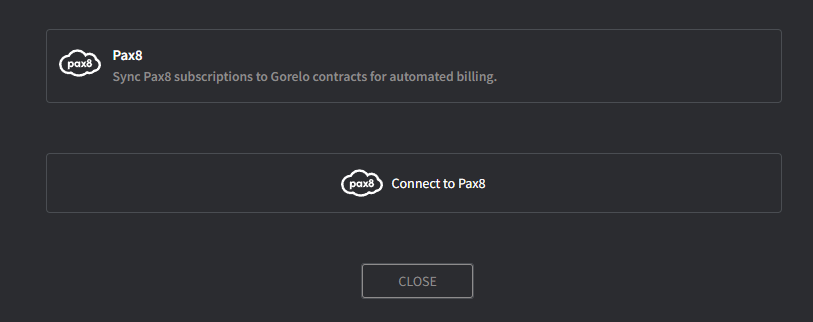
Gorelo 与 Pax8 集成,让你能够根据 Pax8 订阅动态调整合同数量,并通过[**动态数量**](/track-unbilled-items-with-dynamic-quantities)公开未计费的订阅。
 如果你希望在 Gorelo 中创建客户时自动创建 Pax8 客户,请执行此操作。
此信息将用于 Pax8 中的所有新订单。
会出现客户映射屏幕。
**提示!**
* 通过此集成,只有预付且与每个 Pax8 客户关联的订阅可用,例如 Microsoft 365、Exclaimer 或 Dropsuite。
* 请参阅[**动态数量**](/track-unbilled-items-with-dynamic-quantities)以自动化计费并公开未计费的订阅
## 常见问题
可以。Gorelo 目前支持来自 Pax8 的基于订阅的服务。
如果你希望在 Gorelo 中创建客户时自动创建 Pax8 客户,请执行此操作。
此信息将用于 Pax8 中的所有新订单。
会出现客户映射屏幕。
**提示!**
* 通过此集成,只有预付且与每个 Pax8 客户关联的订阅可用,例如 Microsoft 365、Exclaimer 或 Dropsuite。
* 请参阅[**动态数量**](/track-unbilled-items-with-dynamic-quantities)以自动化计费并公开未计费的订阅
## 常见问题
可以。Gorelo 目前支持来自 Pax8 的基于订阅的服务。