> ## Documentation Index
> Fetch the complete documentation index at: https://help.gorelo.io/llms.txt
> Use this file to discover all available pages before exploring further.
# 使用 AI 总结工单
> 使用 Gorelo Ticket Summary AI 工单摘要功能生成整个工单时间线的简明概览,让你在长对话线程中无需逐条滚动评论即可快速掌握进度、上下文、客户诉求与关键行动,节省阅读时间、加快响应速度并显著提升 MSP 服务台工程师的工单处理效率与团队交接质量。
工单摘要为你提供工单整个时间线的快速概览。它非常适合在不滚动每一条评论的情况下了解长线程的进展。
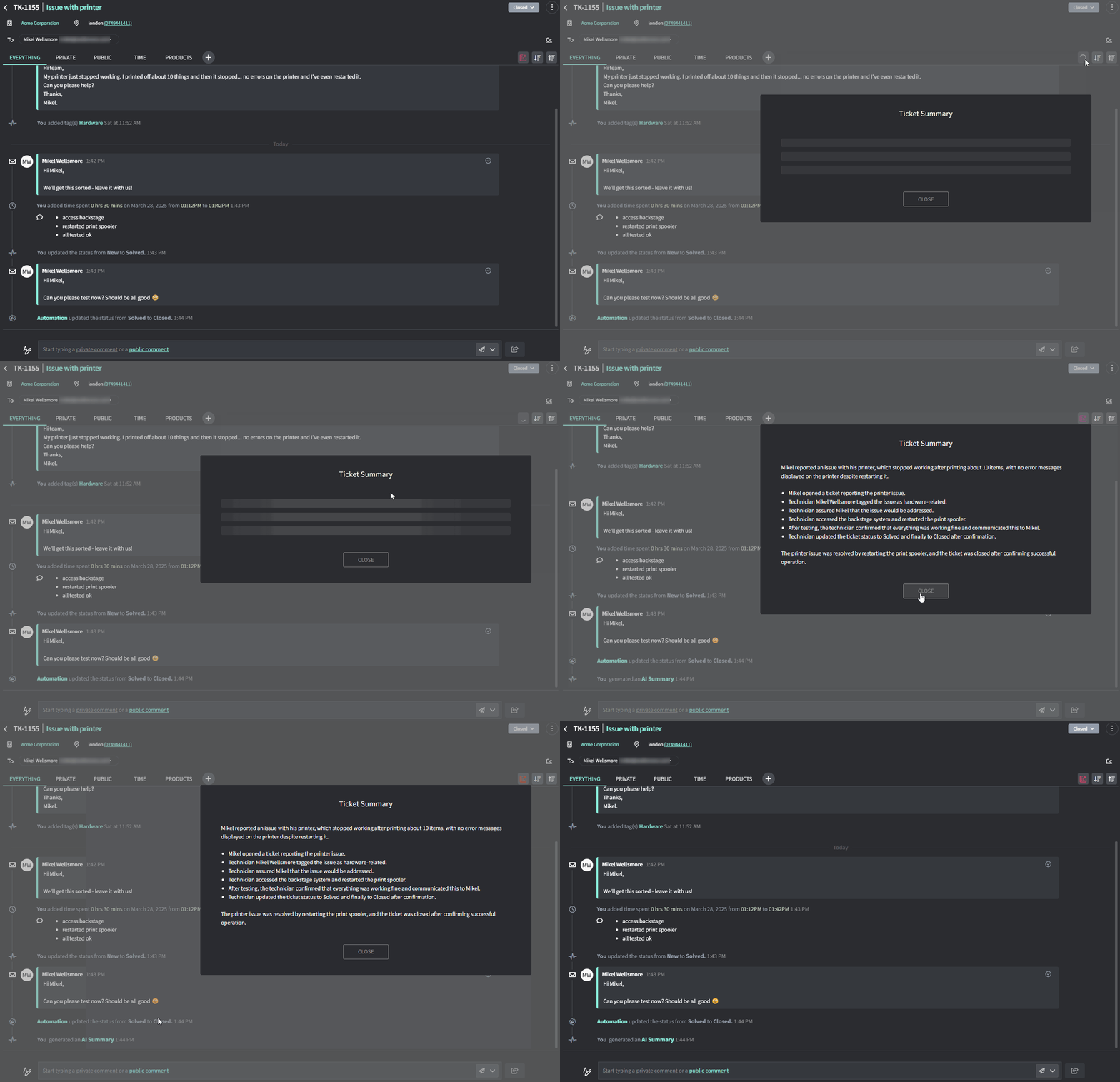 ## 如何总结工单
1. 转到任何工单的 **Ticket Detail** 页面
2. 点击时间线右上角的 Summary 按钮
## 如何总结工单
1. 转到任何工单的 **Ticket Detail** 页面
2. 点击时间线右上角的 Summary 按钮
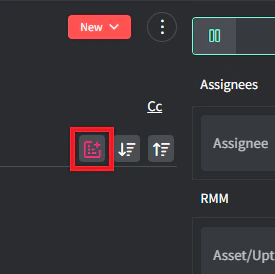 3. AI 将为你提供发生的一切的摘要。