> ## Documentation Index
> Fetch the complete documentation index at: https://help.gorelo.io/llms.txt
> Use this file to discover all available pages before exploring further.
# Écran noir de Gorelo Connect sur Windows
> Corrigez l'écran noir de Gorelo Connect sur Windows en ajoutant GoreloConnect.exe aux exclusions d'applications de PowerToys FancyZones afin que les sessions à distance s'affichent correctement.
## Problème
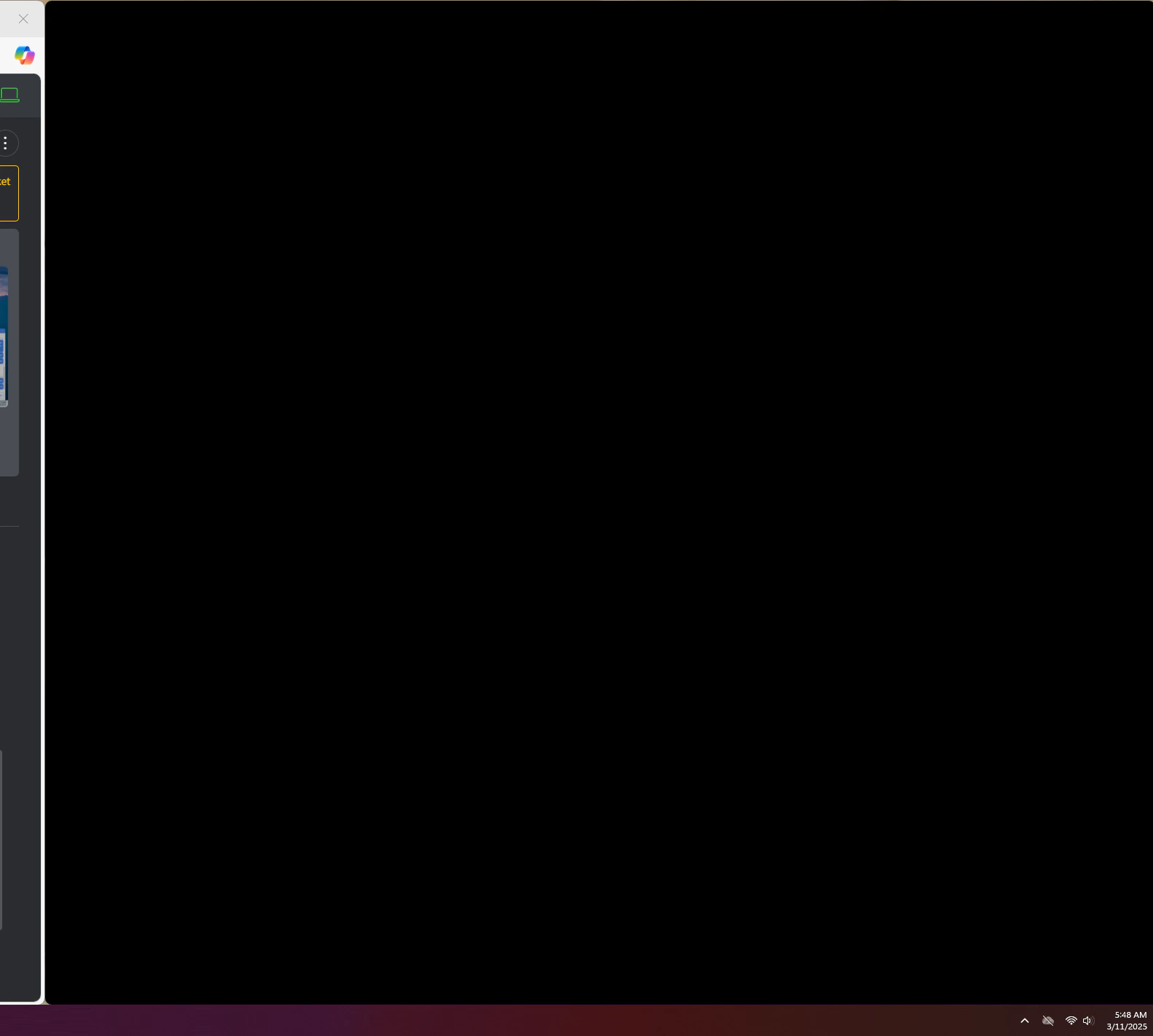
Gorelo Connect se lance avec un écran noir sur Windows.
 ## Solution
Cela peut être dû à PowerToys FancyZones.
Ajoutez `GoreloConnect.exe` aux exclusions d'applications dans FancyZones.
## Solution
Cela peut être dû à PowerToys FancyZones.
Ajoutez `GoreloConnect.exe` aux exclusions d'applications dans FancyZones.