> ## Documentation Index
> Fetch the complete documentation index at: https://help.gorelo.io/llms.txt
> Use this file to discover all available pages before exploring further.
# Gorelo Connect black screen on Windows
> Fix the Gorelo Connect black screen on Windows by adding GoreloConnect.exe to PowerToys FancyZones application exclusions so remote sessions display correctly.
## Problem
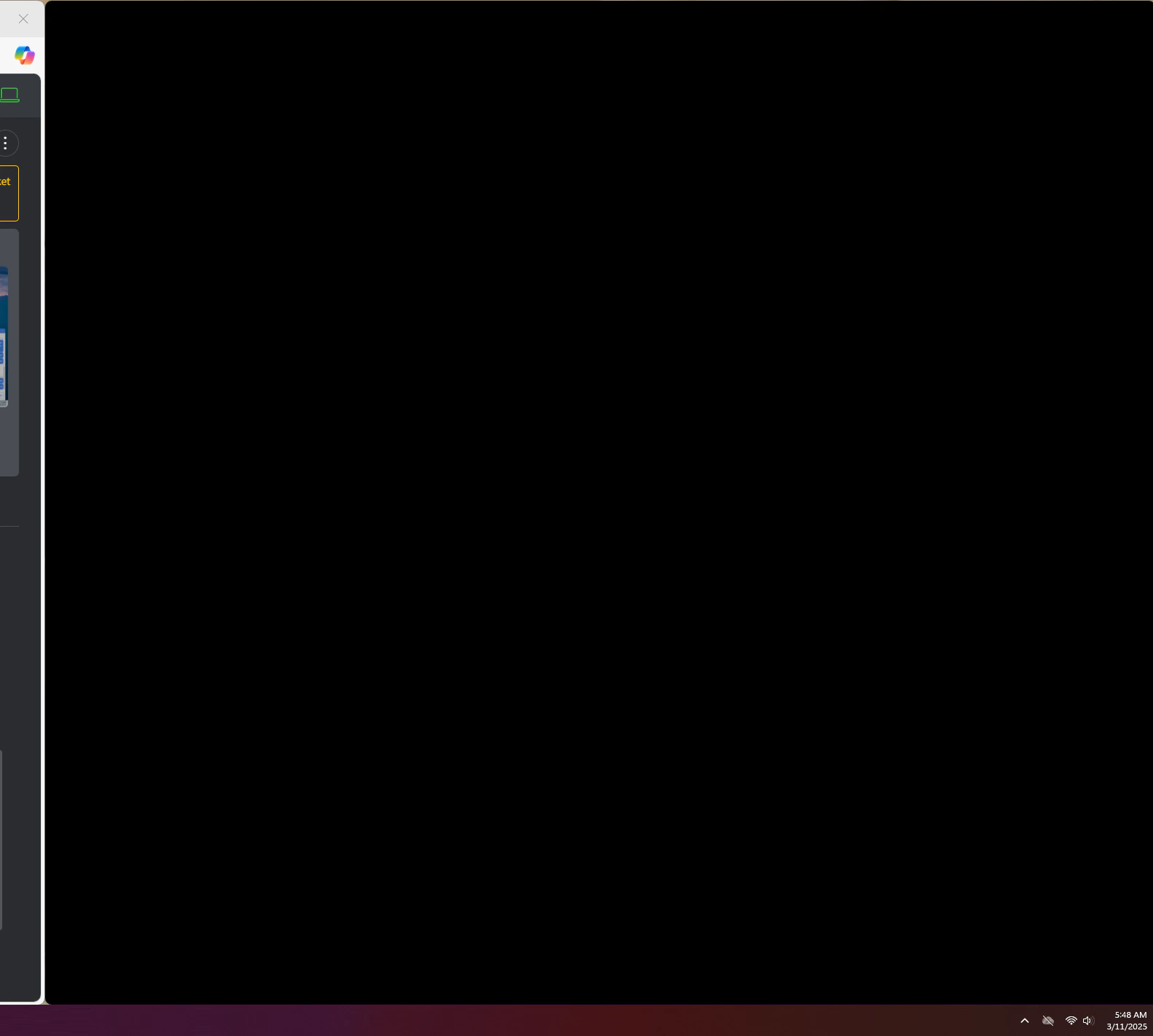
Gorelo Connect launches into a black screen on Windows.
 ## Solution
This can be due to PowerToys FancyZones.
Add `GoreloConnect.exe` to the application exclusions in FancyZones.
## Solution
This can be due to PowerToys FancyZones.
Add `GoreloConnect.exe` to the application exclusions in FancyZones.