> ## Documentation Index
> Fetch the complete documentation index at: https://help.gorelo.io/llms.txt
> Use this file to discover all available pages before exploring further.
# Summarize a ticket with AI
> Use the Gorelo Ticket Summary AI feature to generate a concise rundown of a ticket's full timeline so you can catch up without scrolling every comment.
Ticket Summary gives you a quick rundown of a ticket’s entire timeline. It’s perfect for catching up on long threads without scrolling through every single comment.
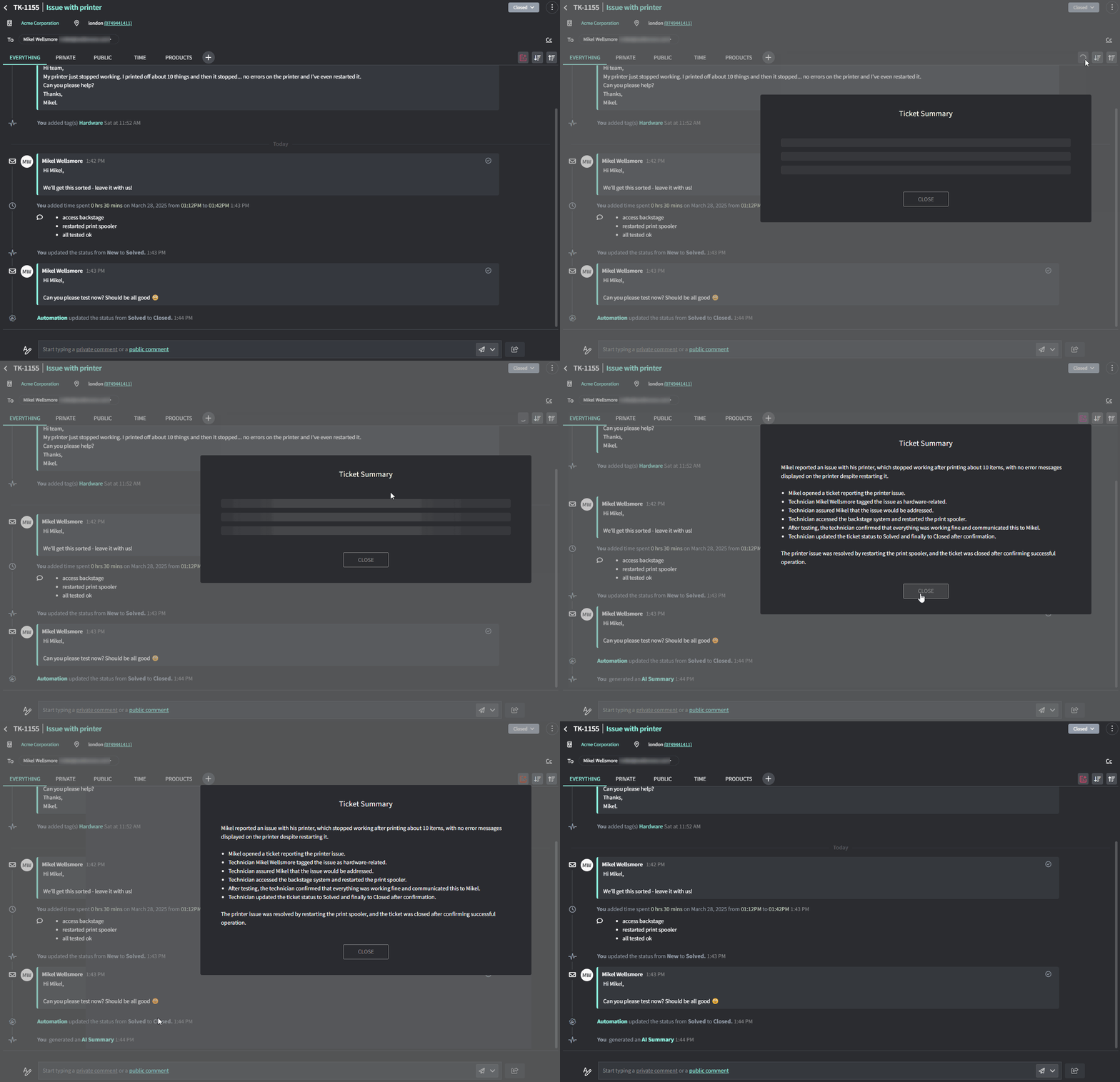 ## How to summarize a ticket
1. Go to the **Ticket Detail** page for any ticket
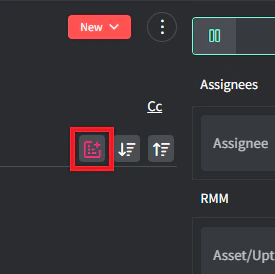
2. Click the Summary button in the top-right corner of the timeline
## How to summarize a ticket
1. Go to the **Ticket Detail** page for any ticket
2. Click the Summary button in the top-right corner of the timeline
 3. AI will give you a summary of everything that went on.