> ## Documentation Index
> Fetch the complete documentation index at: https://help.gorelo.io/llms.txt
> Use this file to discover all available pages before exploring further.
# What is Gorelo Connect
> Gorelo Connect is the built-in remote control and file explorer tool, distributed via the Base Workstation and Base Server policies for managed assets.
Gorelo Connect is the built-in remote control and file explorer tool. By default, the Gorelo Connect plugin is distributed via the **Base Workstation** and **Base Server** policy.
If the Gorelo Connect plugin is present and enabled on an asset, it will appear in a few places:
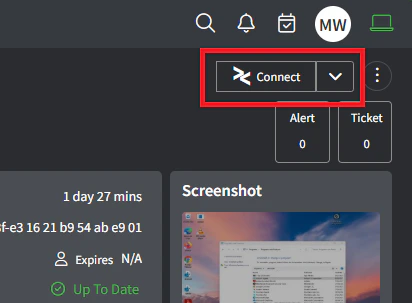
* **Asset Detail**: The ‘Connect’ button will appear in the top-right corner of the Asset Detail page
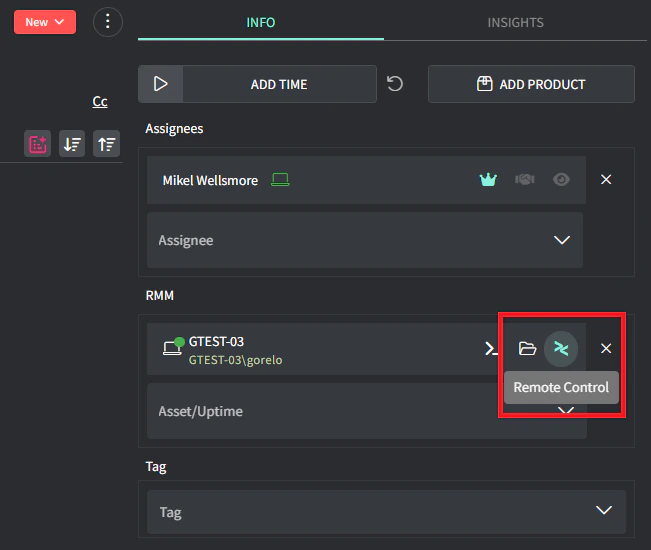
 * **Ticket Detail**: The Remote Control and File Explorer button will appear on the Ticket Detail page when an asset has been added
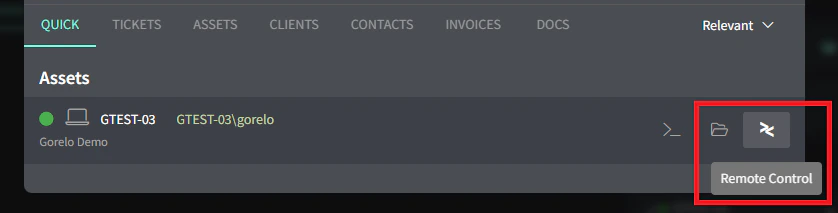
 * **Search**: The Remote Control and File Explorer button will appear in search
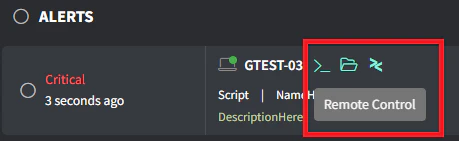
 * **Alerts**: The Remote Control and File Explorer button will appear on the Alerts list