> ## Documentation Index
> Fetch the complete documentation index at: https://help.gorelo.io/llms.txt
> Use this file to discover all available pages before exploring further.
# 排程建立工單
> 在 Gorelo 中以每日、每週或每月的節奏自動建立工單,並預先設定標題、群組、行動與客戶指派。
1. 前往 Settings —> Automation —> [**Scheduled Tickets**](https://app.gorelo.io/Admin/admin-settings#automation#scheduledtickets)
2. 點擊右上角的「**+Automation Rule**」
3. 輸入你希望出現在工單上的細節:
* **Title**:這會是工單的標題
* **Group**:這會是預設指派的群組,並決定可見性/權限
* **Description**:這會作為工單上的私人留言出現(可選)
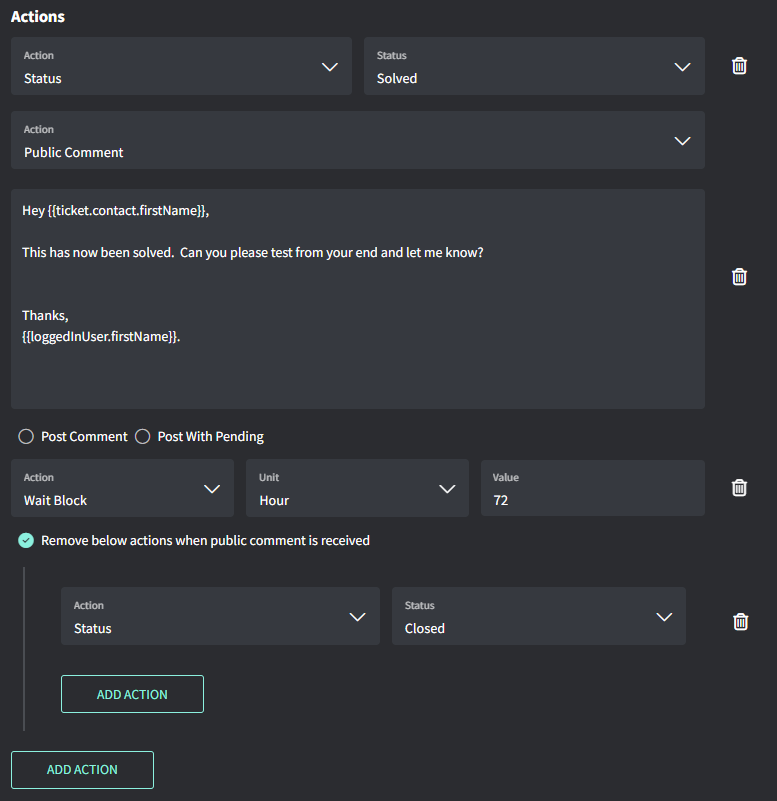
* **Actions**:這些是額外的動作,例如指派使用者、檢查清單、標籤等(可選)
* **Client Selection**:讓你選擇要為哪些客戶自動建立工單
* **Schedule**:設定每日、每週或每月的節奏
 小提示!
* Run Time 是依組織的時區為準
Settings → General → [**Organization**](https://app.gorelo.io/Admin/admin-settings#general#organization)→ Business Hours
小提示!
* Run Time 是依組織的時區為準
Settings → General → [**Organization**](https://app.gorelo.io/Admin/admin-settings#general#organization)→ Business Hours