> ## Documentation Index
> Fetch the complete documentation index at: https://help.gorelo.io/llms.txt
> Use this file to discover all available pages before exploring further.
# Pax8 整合
> 將 Pax8 與 Gorelo 整合,依 Pax8 訂閱動態調整合約數量,並透過 Dynamic Quantities 動態數量顯示尚未計費的訂閱項目以供準確帳務使用。文件提供逐步 OAuth 連線、客戶對應、訂閱同步與常見問題排解指南,協助 MSP 簡化 Pax8 計費流程。
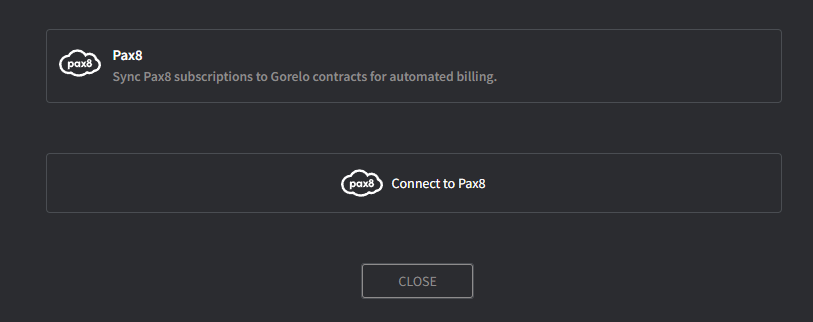
Gorelo 與 Pax8 整合,可讓你依 Pax8 訂閱動態調整合約數量,並透過[**Dynamic Quantities**](/track-unbilled-items-with-dynamic-quantities)顯示尚未計費的訂閱。
 如果你希望在 Gorelo 建立客戶時自動建立 Pax8 客戶,請開啟此選項。
此資訊會用於 Pax8 中所有新訂單。
Client Mapping 畫面會出現。
**小提示!**
* 此整合僅可使用預先計費並與各 Pax8 客戶關聯的訂閱,例如 Microsoft 365、Exclaimer 或 Dropsuite。
* 請參考 [**Dynamic Quantities**](/track-unbilled-items-with-dynamic-quantities) 以自動化帳務並顯示尚未計費的訂閱
## FAQ
可以。Gorelo 目前支援來自 Pax8 的訂閱型服務。
如果你希望在 Gorelo 建立客戶時自動建立 Pax8 客戶,請開啟此選項。
此資訊會用於 Pax8 中所有新訂單。
Client Mapping 畫面會出現。
**小提示!**
* 此整合僅可使用預先計費並與各 Pax8 客戶關聯的訂閱,例如 Microsoft 365、Exclaimer 或 Dropsuite。
* 請參考 [**Dynamic Quantities**](/track-unbilled-items-with-dynamic-quantities) 以自動化帳務並顯示尚未計費的訂閱
## FAQ
可以。Gorelo 目前支援來自 Pax8 的訂閱型服務。