> ## Documentation Index
> Fetch the complete documentation index at: https://help.gorelo.io/llms.txt
> Use this file to discover all available pages before exploring further.
# 取得工單的情緒分析
> 使用 Gorelo AI 情緒分析評分進站工單留言,當負面程度超過閾值時通知群組,讓你能快速處理問題。
Sentiment Analysis 自動為進站留言(Public、Third Party、Approval)的情緒語氣評分。當分數低於你設定的負面閾值時,會通知你指定的群組,讓你能在問題擴大前快速辨識並處理可能不滿的客戶。
 ## 啟用 sentiment analysis
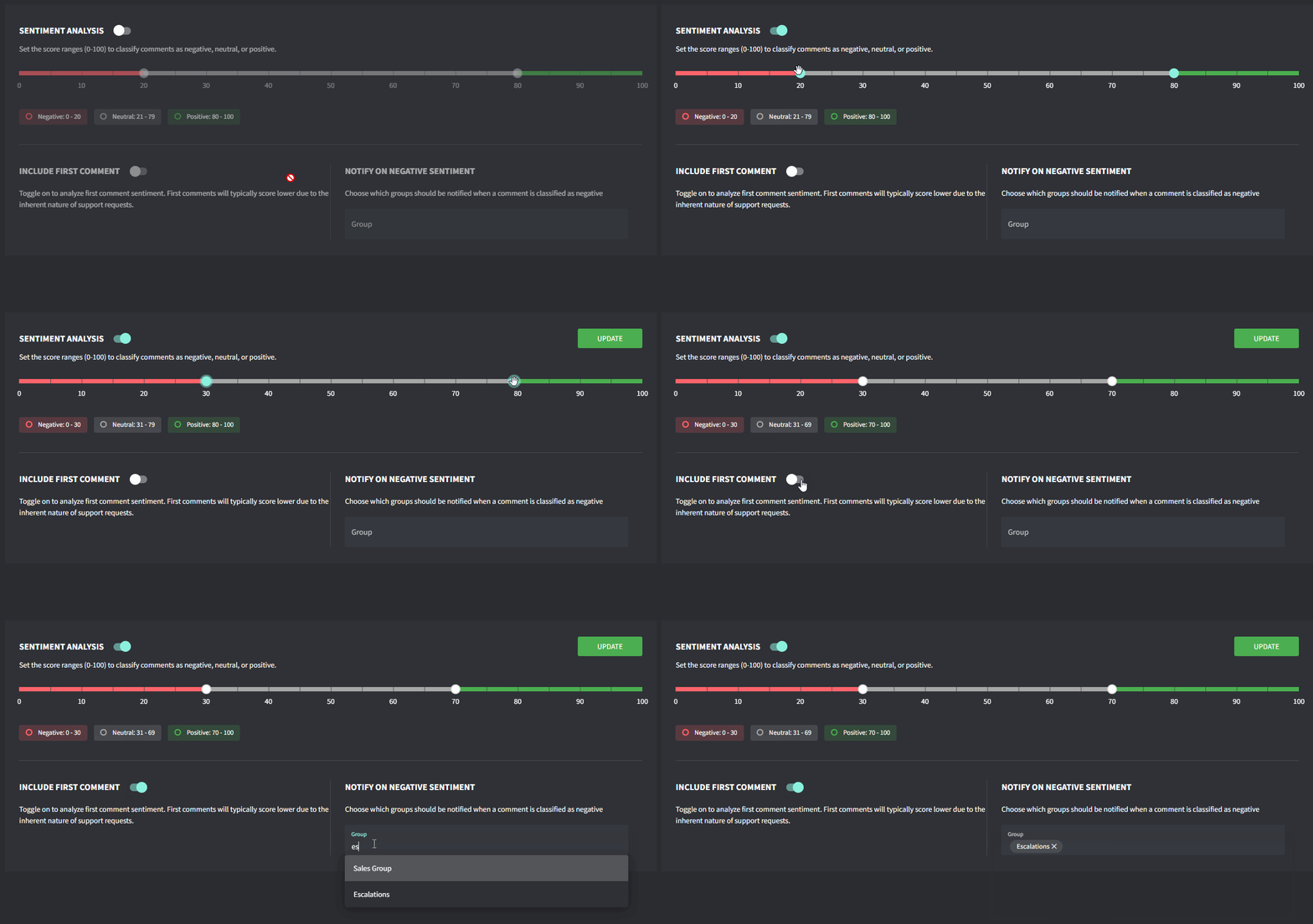
1. 前往 **Settings → AI →** [**Sentiment Analysis**](https://app.gorelo.io/admin/admin-settings#ai#customersentiment)
2. 將 **Sentiment Analysis** 切換為開啟
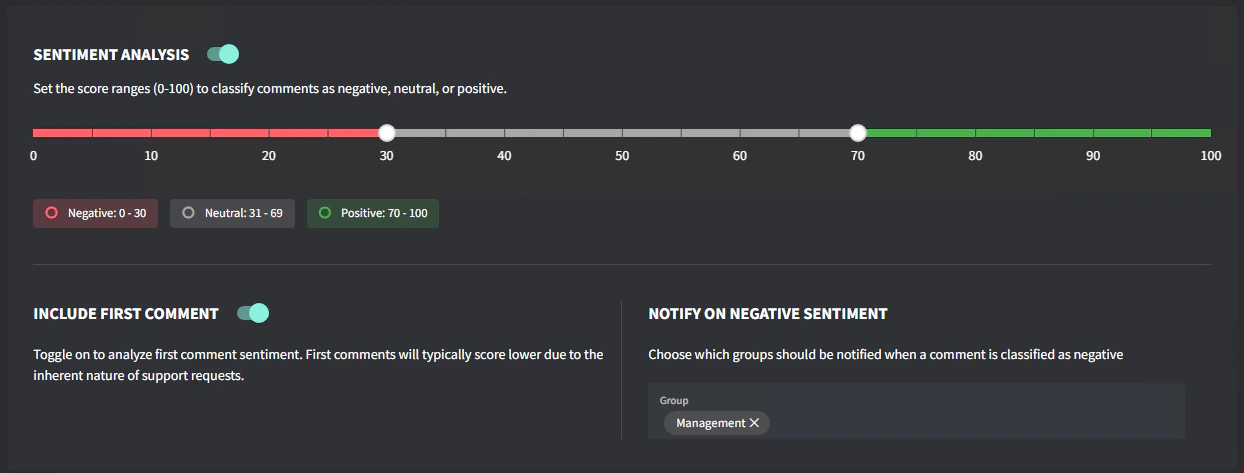
3. 設定你的 **Score Range** 以及你定義為 Negative/Positive 的範圍
4. 切換是否要為第一則留言評分。\
注意:第一則留言通常分數較低,因為支援請求本身的特性。
5. 選擇當留言被分類為負面時應接收通知的 **Groups**
6. 點擊 **Update**
## 啟用 sentiment analysis
1. 前往 **Settings → AI →** [**Sentiment Analysis**](https://app.gorelo.io/admin/admin-settings#ai#customersentiment)
2. 將 **Sentiment Analysis** 切換為開啟
3. 設定你的 **Score Range** 以及你定義為 Negative/Positive 的範圍
4. 切換是否要為第一則留言評分。\
注意:第一則留言通常分數較低,因為支援請求本身的特性。
5. 選擇當留言被分類為負面時應接收通知的 **Groups**
6. 點擊 **Update**
 ## 運作方式
* AI 分析每則進站留言(Public、Third Party、Approval)的文字
* 每則留言獲得情緒分數(範圍 1 到 100)
* 負面分數代表客戶不滿(1 代表極度負面)
* 當留言的分數低於你的負面閾值,會傳送通知給指定群組
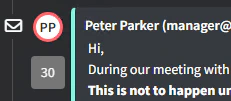
* 要查看情緒分數,將滑鼠移到工單時間軸上每則留言旁的個人圖示
## 運作方式
* AI 分析每則進站留言(Public、Third Party、Approval)的文字
* 每則留言獲得情緒分數(範圍 1 到 100)
* 負面分數代表客戶不滿(1 代表極度負面)
* 當留言的分數低於你的負面閾值,會傳送通知給指定群組
* 要查看情緒分數,將滑鼠移到工單時間軸上每則留言旁的個人圖示
 ## 疑難排解
**通知太多?** 將閾值調整為較低的值(更負面),只有非常負面的留言才會發出警示。
**遺漏負面留言?** 將閾值調整為較高的值(較不負面),以捕捉更細微的不滿表達。
**非英文留言?** Sentiment Analysis 支援多種語言,但對英文內容的精準度可能最高。
## 疑難排解
**通知太多?** 將閾值調整為較低的值(更負面),只有非常負面的留言才會發出警示。
**遺漏負面留言?** 將閾值調整為較高的值(較不負面),以捕捉更細微的不滿表達。
**非英文留言?** Sentiment Analysis 支援多種語言,但對英文內容的精準度可能最高。