> ## Documentation Index
> Fetch the complete documentation index at: https://help.gorelo.io/llms.txt
> Use this file to discover all available pages before exploring further.
# Xero 整合
> 將 Gorelo 與 Xero 雲端會計軟體整合,雙向同步客戶、發票、稅率、付款、產品與總帳科目資料,並提供逐步 OAuth 授權設定、帳戶層級欄位對應、發票匯出、連線狀態管理與常見問題排解指南,簡化 MSP 會計流程、對帳作業、稅務申報、發票寄送與月結收入管理。
Gorelo 與 Xero 整合,可讓你同步客戶、發票、稅率、付款等!
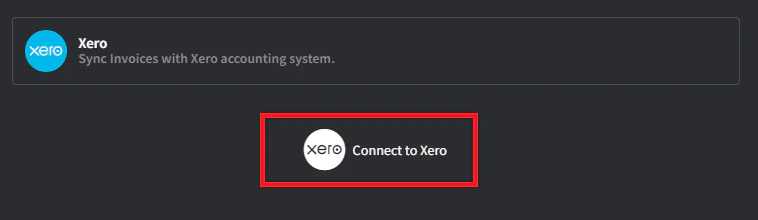 選擇適當的組織(若有多個)並點擊 **Allow Access**。然後會被重新導向回 Gorelo 並顯示成功訊息。
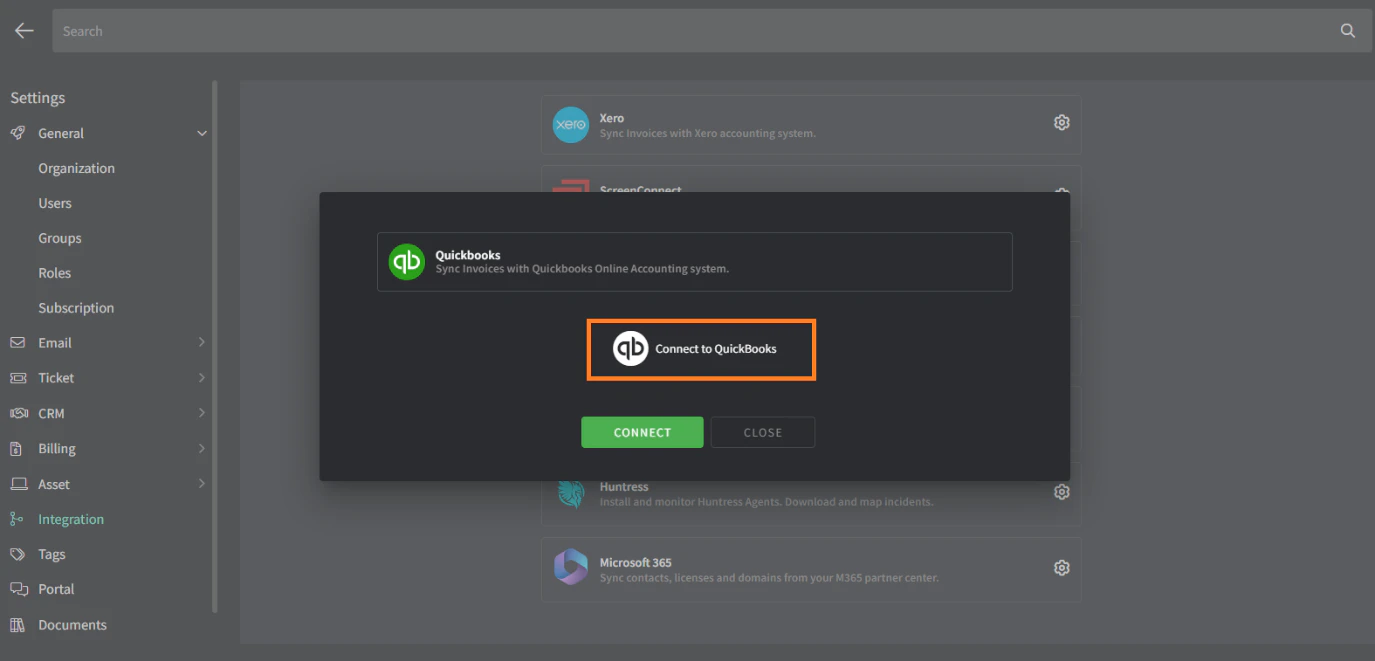 * 這會用於從 Gorelo 同步到 Xero 但其產品/套組/類別**未**自動套用 COA 代碼的任何項目。
* 建議建立新的 COA 代碼,例如「**4444 Uncoded from Gorelo**」,讓未經合法 COA 代碼同步的項目能顯而易見。如果該代碼剛建立,在「*Integration with Xero is successful*」畫面按 F5 重新整理以讓它出現,或重新開始整合。
**小提示!**
* Gorelo 中與 Xero ***聯絡人***名稱完全相同的***客戶***會自動對應。
* Chart of Account(COA)代碼可在下列層級個別設定:
* Products
* Bundles
* COA 代碼可透過 [**Product Categories**](https://app.gorelo.io/Admin/admin-settings#billing#productcategories) 與子類別設定 — 產品/套組會繼承這些 COA 代碼。
## 設定預設稅率
點擊所選稅率最右側的 **Mark as default** 按鈕。
**小提示!**
* 稅率可在下列層級個別設定:
* Products
* Bundles
* Contract line items
* Invoice line items
* 稅率可透過 [**Product Categories**](https://app.gorelo.io/Admin/admin-settings#billing#productcategories) 與子類別設定 — 產品/套組會繼承這些稅率
## Gorelo 如何與 Xero 同步
下表說明如何在 Gorelo 中使用發票以確保它們同步到 Xero,反之亦然。
| 動作 | 從何處執行 |
| ------ | ------------- |
| 建立發票 | Gorelo |
| 核准草稿發票 | Gorelo 或 Xero |
| 寄送發票 | Gorelo |
| 登錄付款 | Xero |
* 這會用於從 Gorelo 同步到 Xero 但其產品/套組/類別**未**自動套用 COA 代碼的任何項目。
* 建議建立新的 COA 代碼,例如「**4444 Uncoded from Gorelo**」,讓未經合法 COA 代碼同步的項目能顯而易見。如果該代碼剛建立,在「*Integration with Xero is successful*」畫面按 F5 重新整理以讓它出現,或重新開始整合。
**小提示!**
* Gorelo 中與 Xero ***聯絡人***名稱完全相同的***客戶***會自動對應。
* Chart of Account(COA)代碼可在下列層級個別設定:
* Products
* Bundles
* COA 代碼可透過 [**Product Categories**](https://app.gorelo.io/Admin/admin-settings#billing#productcategories) 與子類別設定 — 產品/套組會繼承這些 COA 代碼。
## 設定預設稅率
點擊所選稅率最右側的 **Mark as default** 按鈕。
**小提示!**
* 稅率可在下列層級個別設定:
* Products
* Bundles
* Contract line items
* Invoice line items
* 稅率可透過 [**Product Categories**](https://app.gorelo.io/Admin/admin-settings#billing#productcategories) 與子類別設定 — 產品/套組會繼承這些稅率
## Gorelo 如何與 Xero 同步
下表說明如何在 Gorelo 中使用發票以確保它們同步到 Xero,反之亦然。
| 動作 | 從何處執行 |
| ------ | ------------- |
| 建立發票 | Gorelo |
| 核准草稿發票 | Gorelo 或 Xero |
| 寄送發票 | Gorelo |
| 登錄付款 | Xero |