Pax8
Written By Mikel from Gorelo
Gorelo integrates with Pax8 which allows you to dynamically adjust contract quantities based on Pax8 subscriptions and expose unbilled subscriptions via Dynamic Quantities.
Integrate with Pax8
Navigate to Settings → Integrations
Click the ⚙️cog icon to configure Pax8
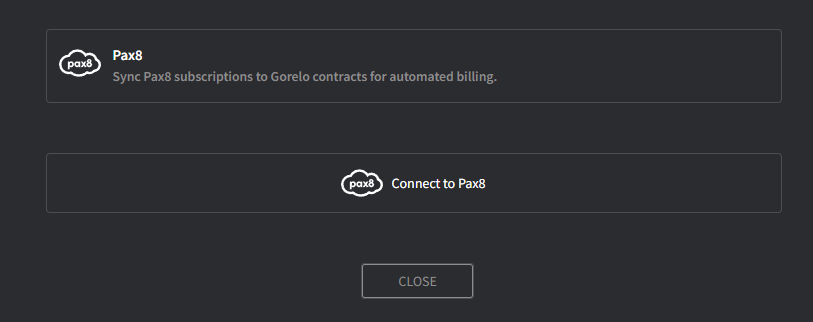
Click ‘Connect to Pax8’ and login with your Pax8 account
Accept the Permissions and you will be navigated back to Gorelo
Toggle on 'Create Pax8 Client...' if you’d like to automatically create a Pax8 client when one is created in Gorelo
Fill in the Contact Information fields — this information will be used on all new orders in Pax8
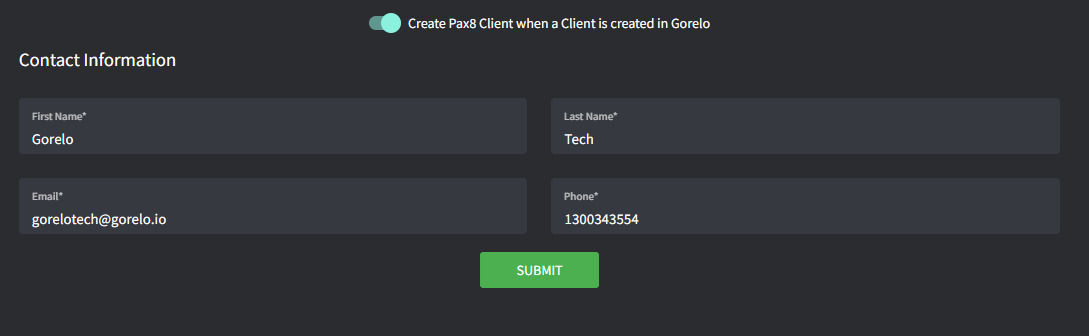
Click Continue (the Client Mapping screen will appear)
Map clients in Gorelo to clients in Pax8
Click Map when complete
Tips!
Only subscriptions billed in advance and associated with each Pax8 clients are available via this integration E.g. Microsoft 365, Exclaimer, Dropsuite
See Dynamic Quantities to automate billing and expose unbilled subscriptions