

- US
- Australia
Base URL: https://api.usw.gorelo.io/
API Reference: https://api.usw.gorelo.io/swagger
API Reference: https://api.usw.gorelo.io/swagger
Endpoint pages in the API reference use the US base URL by default. If your data is hosted in Australia, click the base URL at the top of the endpoint page and select
https://api.aue.gorelo.io.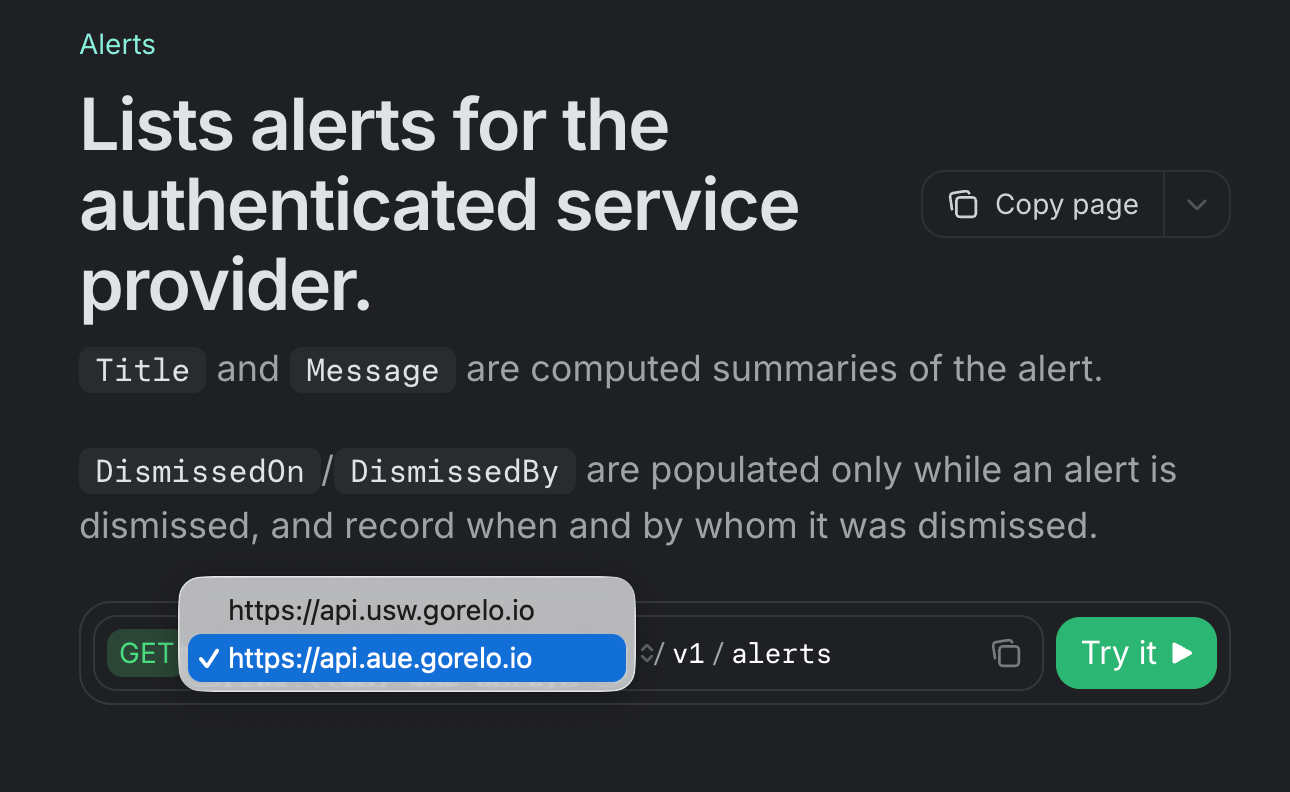
Example requests
The following JavaScriptfetch snippets show how to authenticate with the X-API-Key header. Replace YOUR_API_KEY with your key and swap the base URL for the region hosting your data.
GET
POST
Scopes and permissions
You can scope API keys. If a key lacks access to an endpoint, the API returns 403 Forbidden. The Documents scope gives a key access to documents.Custom fields
Custom fields in API responses includeIsSet and IsHidden. To keep a custom field’s value out of the API, turn on Hide Value from API for that field.
Import history
When you import records with a backdated
CreatedOn, Gorelo sends no notifications and triggers no automations.CreatedOn as Completed, so they won’t be invoiced. You can’t change or delete them through the API afterward.
Error handling
Status IDs
Agent assets
Field and value notes
Alerts
Alerts identify the asset they relate to withAgentAssetId, CustomAssetId, or UptimeId. Use the same fields to filter alerts.
Contracts and invoices
- Contract fields: Contract responses return
DaysUntilDue,UnitCoston line items, andAutoApproveTimeon the service line. - Contract line prices:
UnitPriceon a contract line returns the price actually charged, not the catalog price. - Billable lines:
POST /v1/invoicesbills No charge and Non-billable lines at 0. SendBillableStatusId1for lines that should be charged. - Tax: Invoice and contract lines without a
TaxIdget the tax the app would apply. To bill no tax, send your tax-exempt rate’s ID. - Deleting contracts:
DELETE /v1/contracts/{contractId}deactivates the contract, like the app does, so you can recover it. To archive a contract instead, sendPATCHwithStatusId3. SendStatusId1to restore an archived contract. - Contract lines: On
PATCH /v1/contracts/{contractId}, Gorelo matches service lines and line items byId. The lines you send replace the contract’s existing set, so include every line you want to keep.
Related item types for documents
Related item type4 on documents is Agent asset. Integrations that match on the type ID keep working. Integrations that match on the type name must use Agent asset.