Documentation IndexFetch the complete documentation index at: /llms.txtUse this file to discover all available pages before exploring further.
Fetch the complete documentation index at: /llms.txt
Use this file to discover all available pages before exploring further.
使用 ImmyBot、Action1 和 NinjaOne 等第三方工具部署 Gorelo Agent,适用于无法使用 PowerShell 或手动安装的环境。
导航到 Library > Upload。
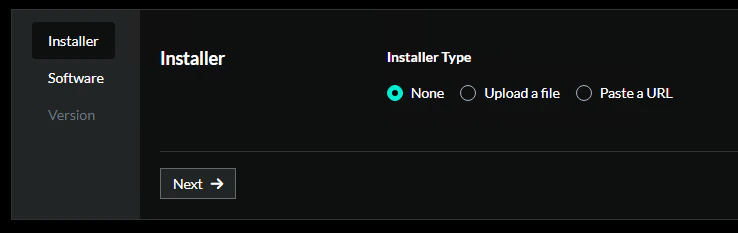
在 Installer 步骤:
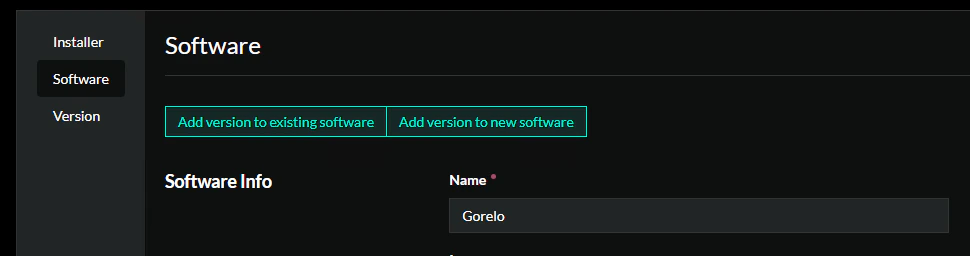
在 Software 步骤:
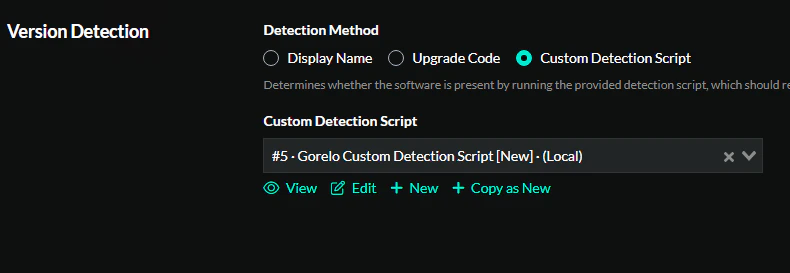
版本检测:
复制并粘贴脚本:
$registryPath = "HKLM:\SOFTWARE\Gorelo" $valueName = "AgentVersion" try { $version = Get-ItemPropertyValue -Path $registryPath -Name $valueName -ErrorAction Stop Write-Output $version } catch { Write-Error "Unable to read version: $($_.Exception.Message)" exit 1 }
安装
在版本步骤中输入:
点击 Create。
创建 Gorelo 安装脚本。
GoreloInstall.ps1
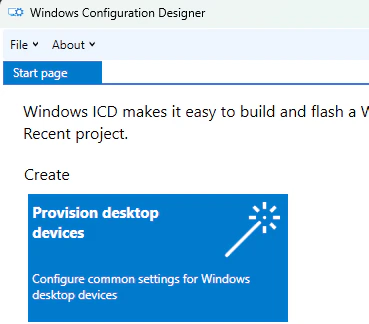
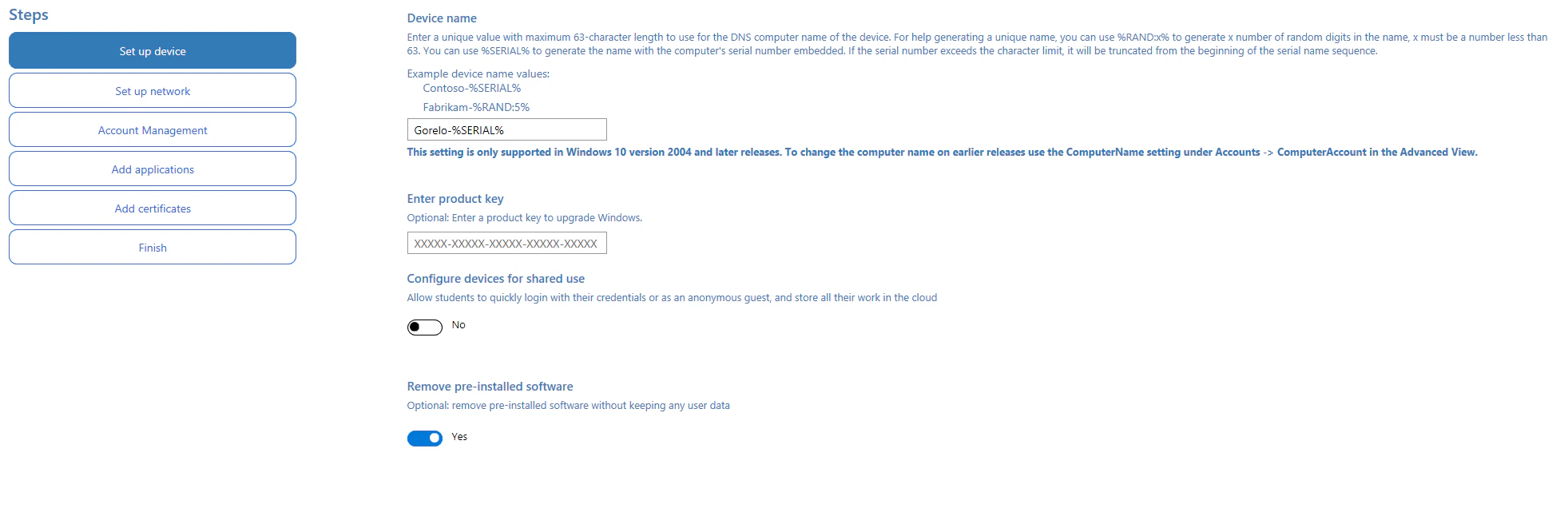
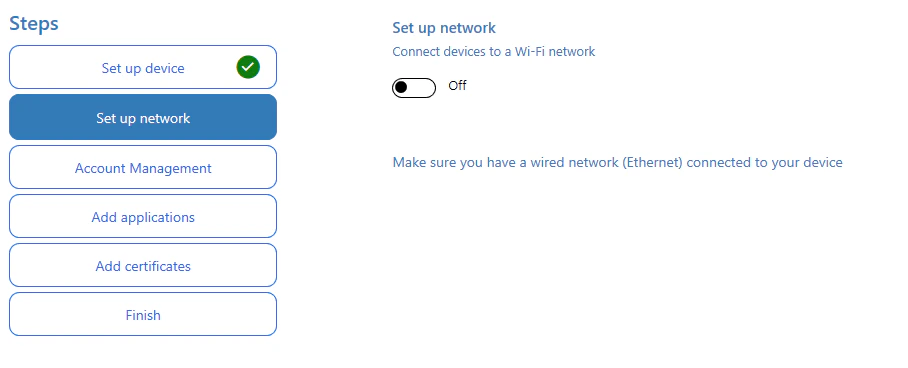
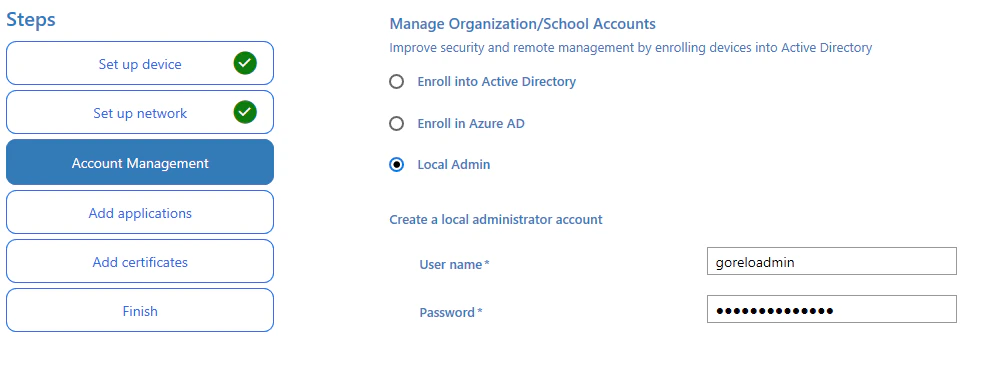
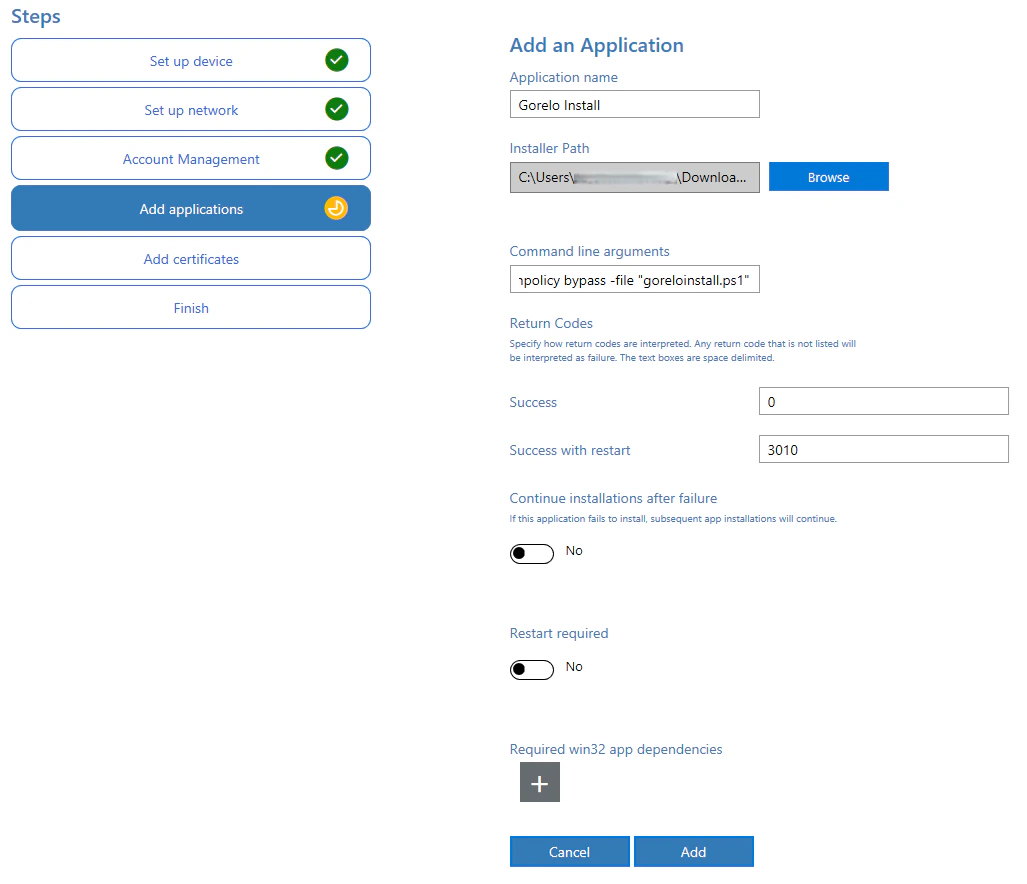
创建预配包。
powershell.exe -executionpolicy bypass -file "goreloinstall.ps1"
在 Add certificates 步骤点击 Next 以跳过。
点击 Create 生成 PPKG。
在 OOBE 期间或通过双击直接应用 PPKG。
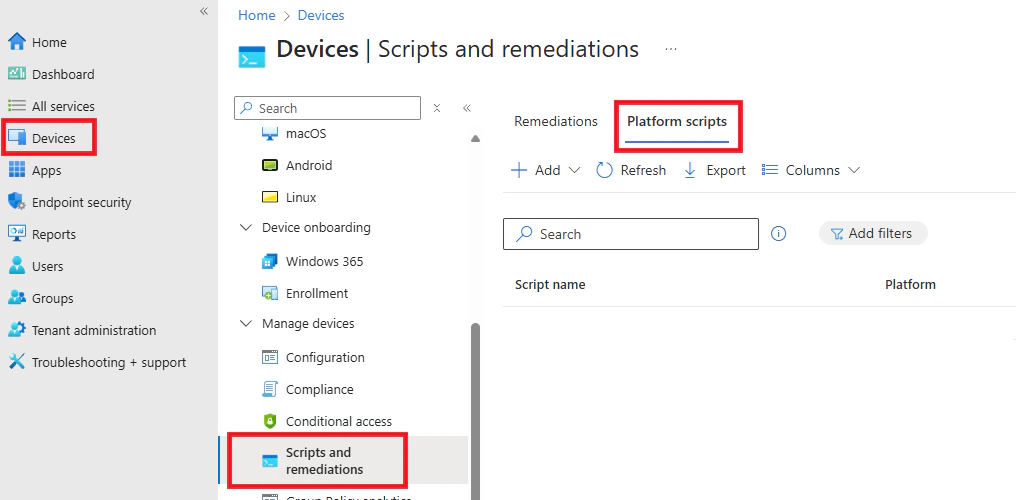
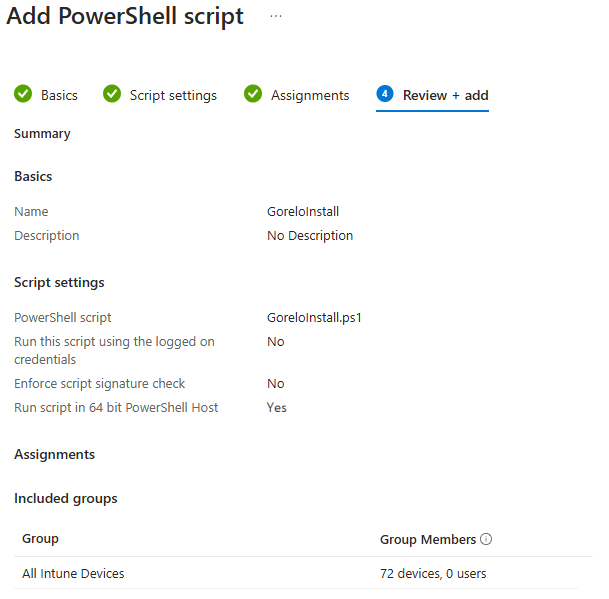
添加 Intune 平台脚本。
Was this page helpful?
Contact support