

1
與 Huntress 整合。
- 前往 Settings > Integrations。
- 點擊 ⚙️齒輪 圖示以設定 Huntress。
- 填入必填欄位。
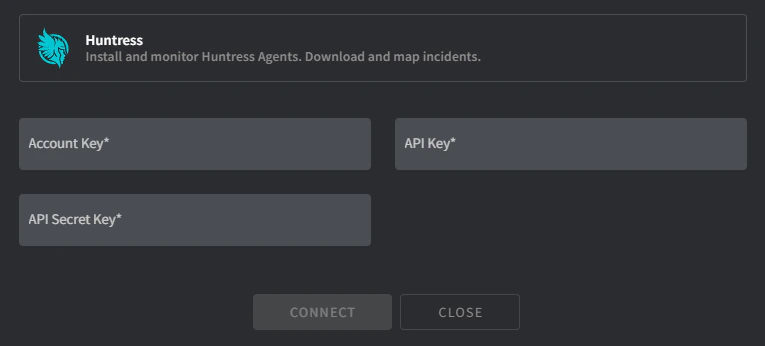
- Account Key:
- 前往 https://[yourdomain].huntress.io/account/installer。
- 將 Account Key 複製到 Gorelo。
- API/Secret Key:
- 前往 https://[yourdomain].huntress.io/account/api_credentials。
- 點擊綠色 Setup 按鈕開始產生你的 API Key 程序。
- 將 API Key 與 API Secret Key 複製到 Gorelo。
- 點擊 Connect,Client <-> Organization 對應畫面會出現。
- 將 Gorelo 客戶對應到適當的 Huntress organization。
- 完成時點擊 Map。
2
分發 Huntress 外掛。
- 在主選單前往 Policies。
- 將 Huntress 外掛加到現有政策,或建立新政策。
- 點擊 Distribute。