


Quick search
The default search option is Quick Search: this will search across many areas of Gorelo: Tickets, Assets, Clients, Contacts, Invoices, and Documents. The quick search only searches ticket numbers and titles.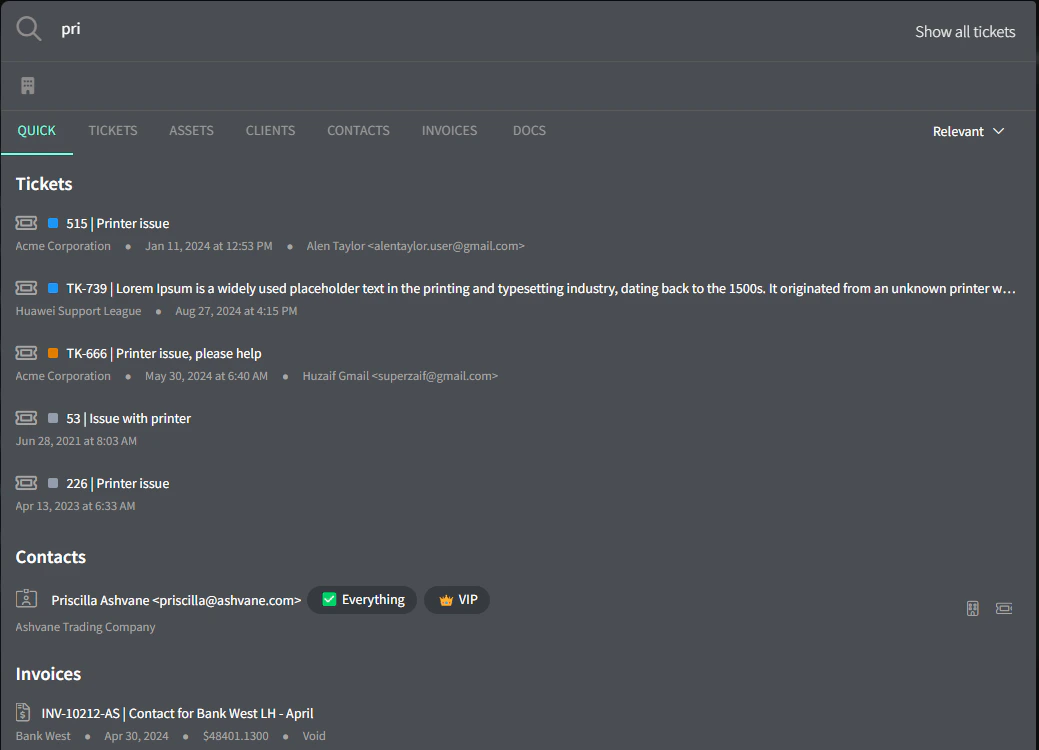
Deep search
To search within ticket comments and time entries, switch to the Tickets tab.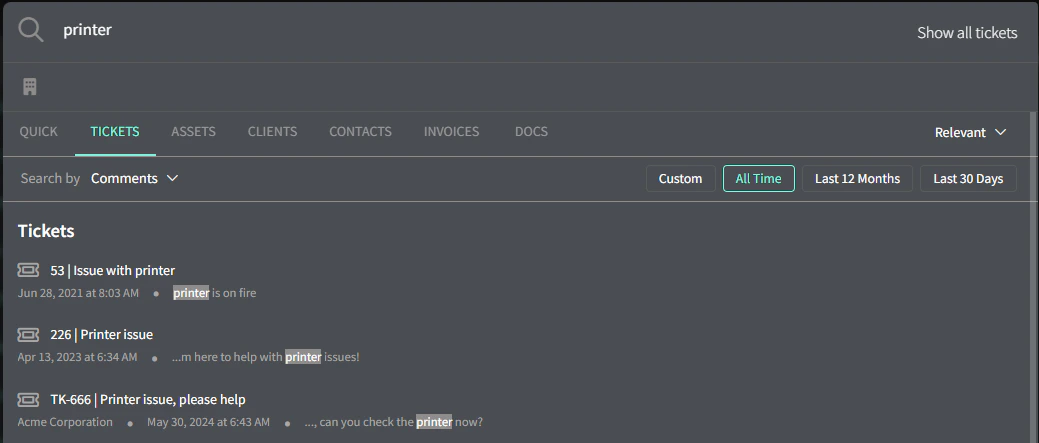
Shortcuts
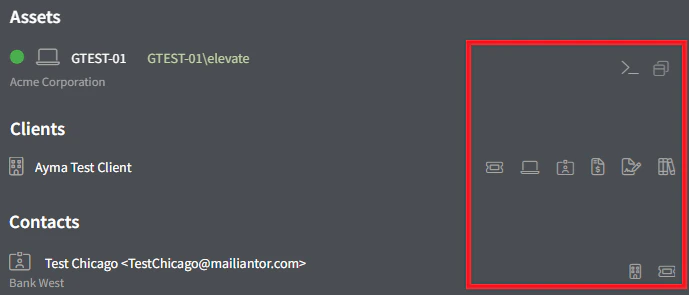
Quick shortcuts appear on the right side of each search result and allow you to skip a few clicks:- Assets —> CLI and Remote Connection
- Clients —> Tickets, Assets, Contacts, Invoices, Contracts and Docs
- Contacts —> Client and Tickets
Show all tickets
To show all tickets chronologically, click the ‘Show All Tickets’ button up the top right. You can also apply a Client Focus and a date range to narrow things down.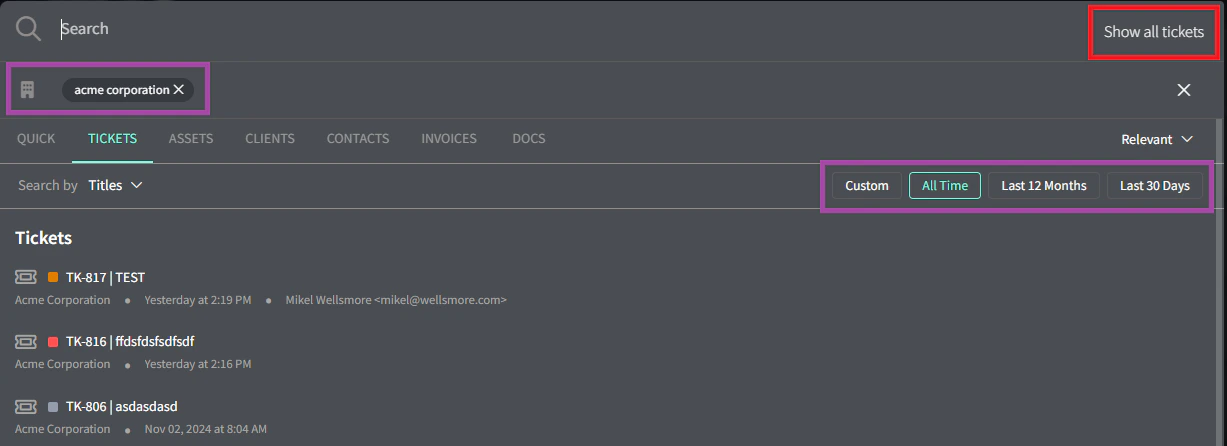
Next steps
Set up notifications
Stay on top of priorities with Gorelo.
Guides
Step-by-step guides to get things done with Gorelo.