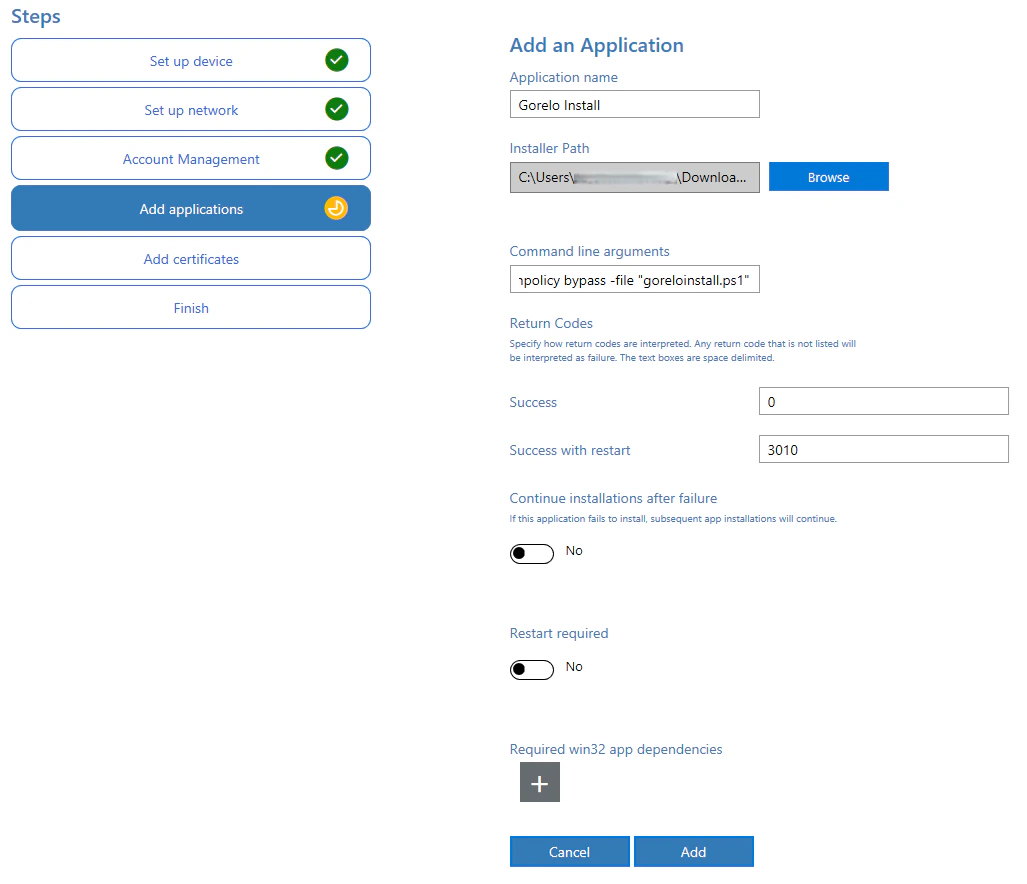
- ImmyBot
- PPKG
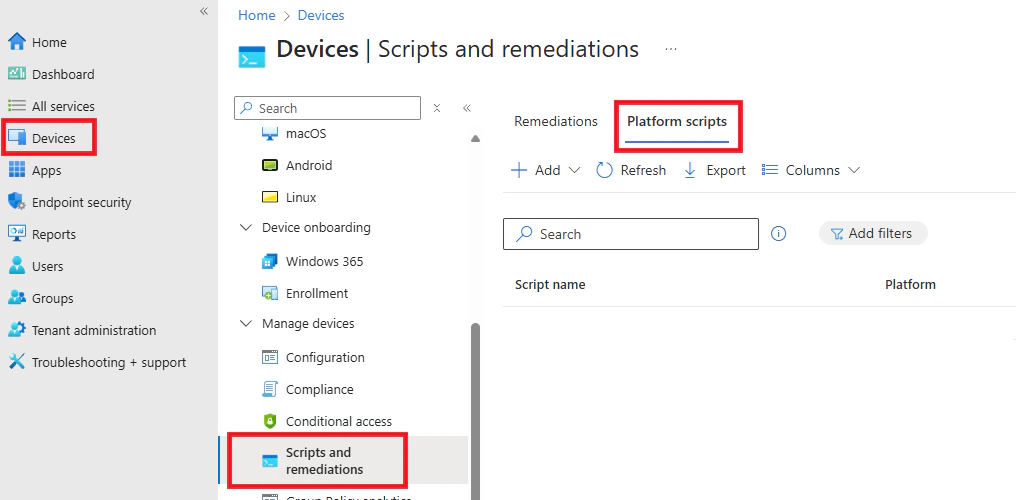
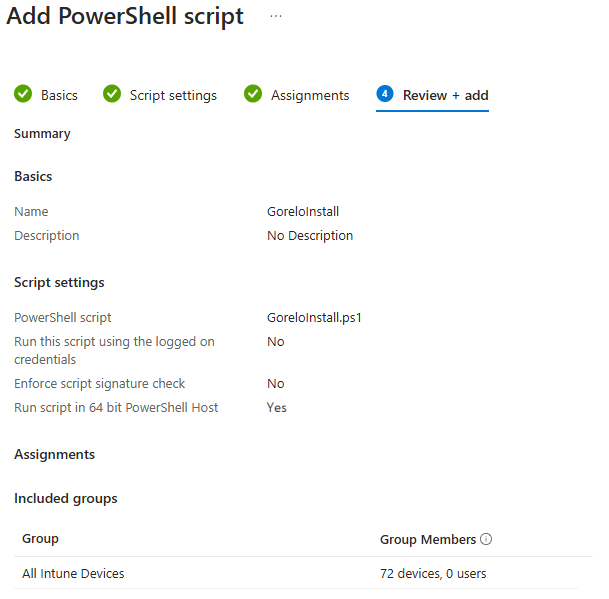
- Intune
1
前往 Library > Upload。
2
在 Installer 步驟:
選擇 Installer Type = None。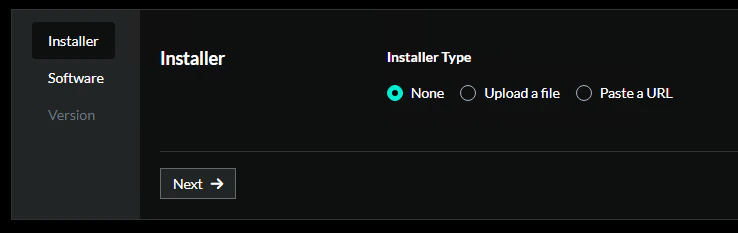
3
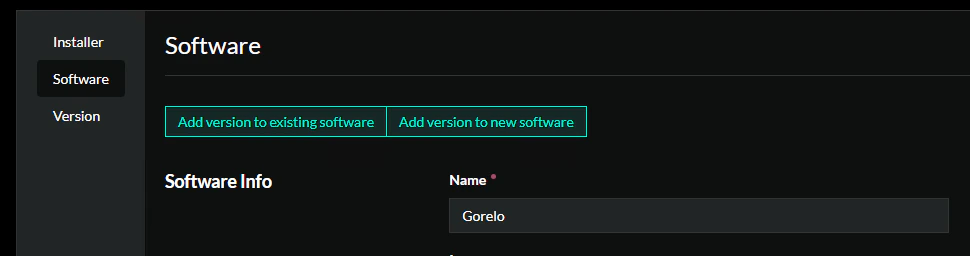
在 Software 步驟:
- 選擇 Add version to new software。
- 在 Software Info 下新增:
- Name = Gorelo
4
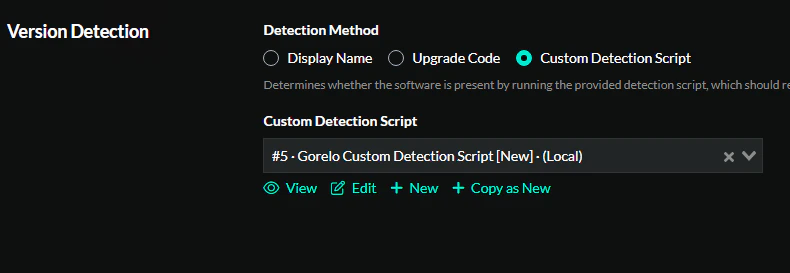
Version Detection:
- 選擇 Custom Detection Script。
- 使用預設設定新增一個 New script。
5
複製貼上指令稿:
6
Installation
- 選擇 Custom Detection Script。
- 新增一個 New script,並從你的 Gorelo 租戶貼上 Agent Asset 的安裝指令。
7
在版本步驟中輸入:
- Version String = 8.42.0.0
8
點擊 Create。