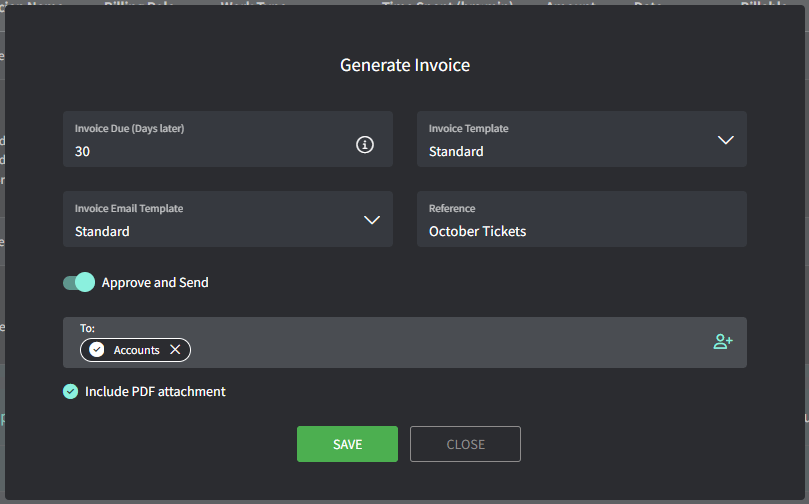
Time entries and products

1

Navigate to Approve and Invoice.

You land on the Waiting to Approve tab, which shows everything that needs approval before flowing to a contract or invoice.
2

Edit the time entry or product.

After that, click Approve when you’re happy with everything on the ticket.
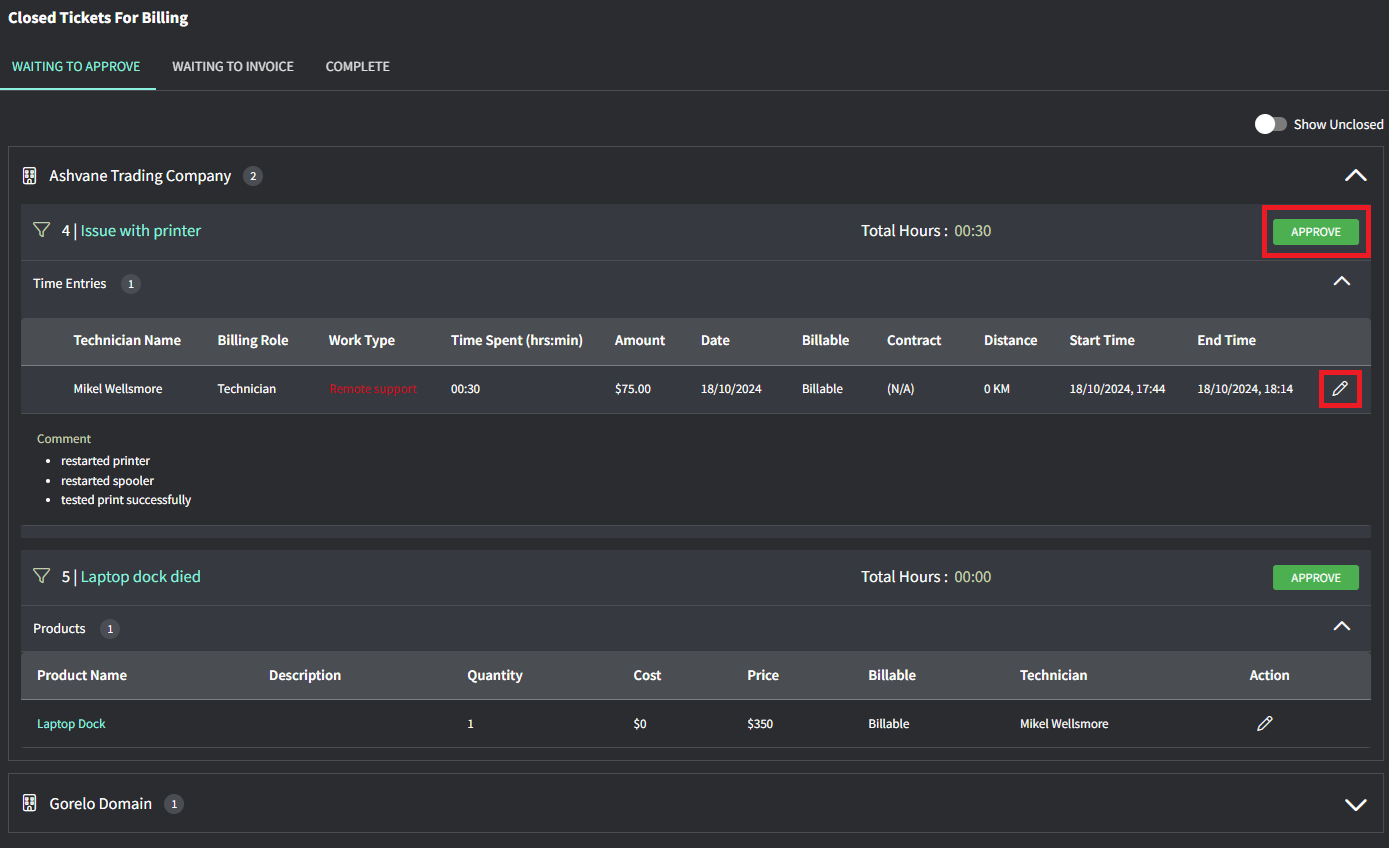
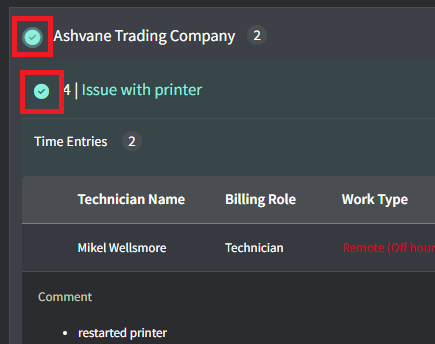
Image 137
Tips!
  • The Contract column will show (N/A) if it’s not associated with a contract and is just using default labor rates.
  • The Work Type will show in red if the time entry is outside of your configured Business Hours.
  • You can partially bill for time and products on Unclosed tickets by toggling on ‘Show Unclosed’ up the top-right of the Waiting to Approve screen.