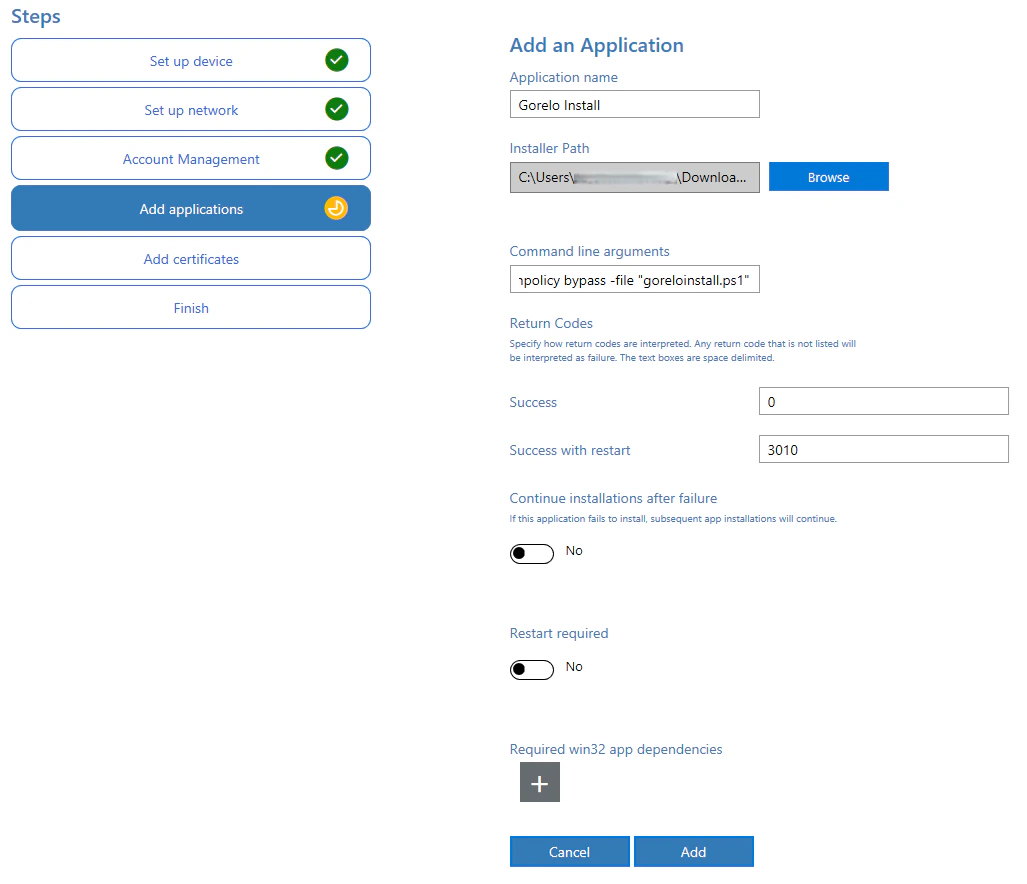
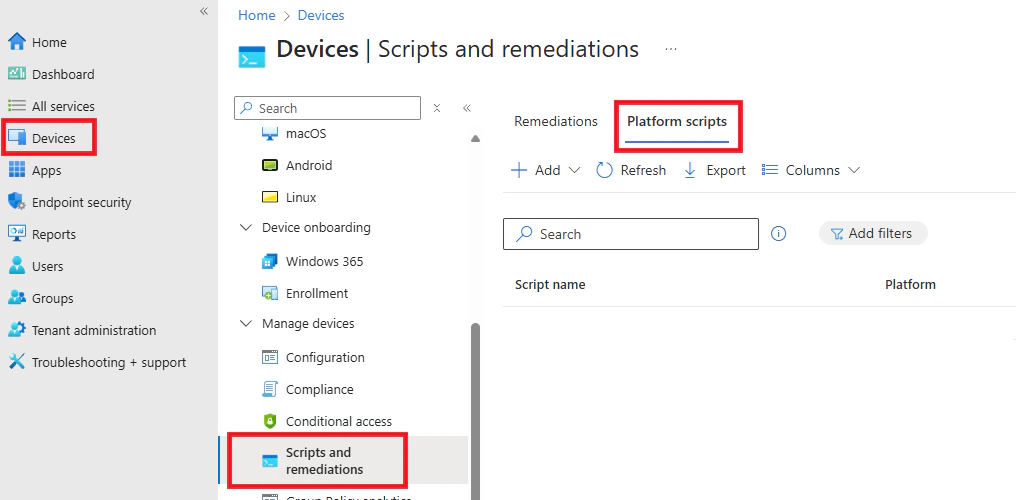
- ImmyBot
- PPKG
- Intune
1
Navigate to Library > Upload
2
On the Installer step
Select Installer Type = None.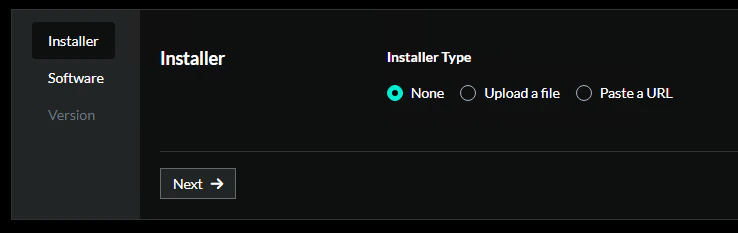
3
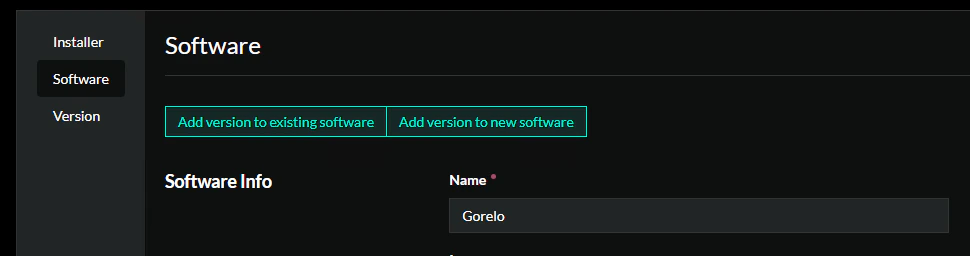
On the Software step
- Select Add version to new software.
- Under Software Info, add:
- Name = Gorelo
4
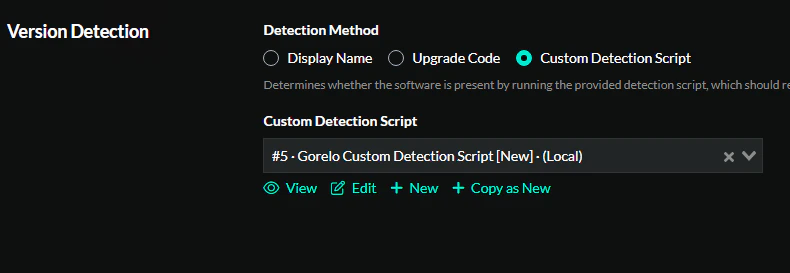
Set up version detection
- Select Custom Detection Script.
- Add a New script with the default settings.
5
Paste the detection script
6
Configure installation
- Select Custom Detection Script.
- Add a New script and paste the Agent Asset installation command from your Gorelo tenant.
7
On the version step, input
- Version String = 8.42.0.0
8
Click Create