

1
Navigate to Policies from the menu.
2
Select an existing Policy.
3
Hover over the +Add button up the top-right and then select Plugin.
4
Select Tray App from the list
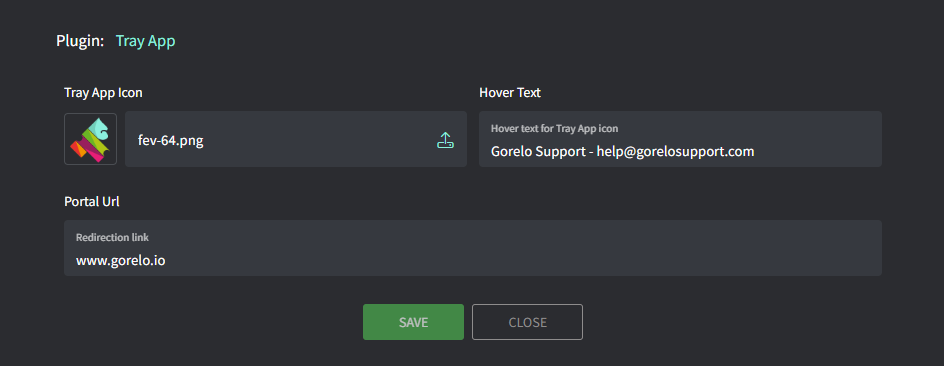
- Upload your favicon.
- Specify your Hover Text (appears when a user hovers your tray icon).
- Specify your Redirection URL (opens a browser to this URL when a user clicks your tray icon).
- Click Save.
5
Distribute the policy.