-
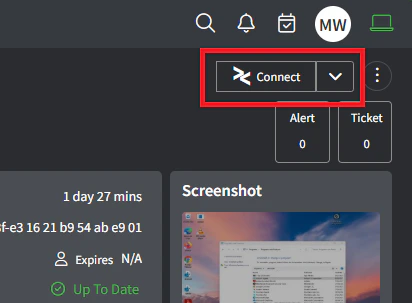
Asset Detail: The ‘Connect’ button will appear in the top-right corner of the Asset Detail page
-
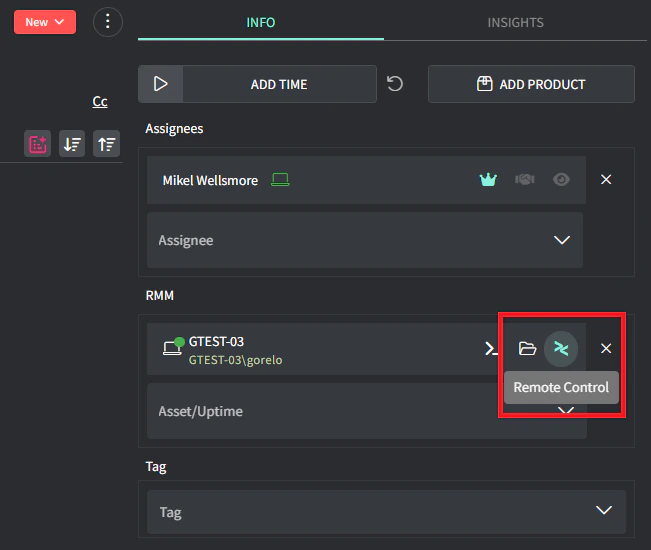
Ticket Detail: The Remote Control and File Explorer button will appear on the Ticket Detail page when an asset has been added
-
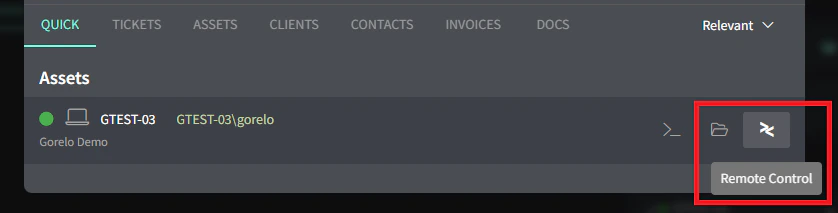
Search: The Remote Control and File Explorer button will appear in search
-
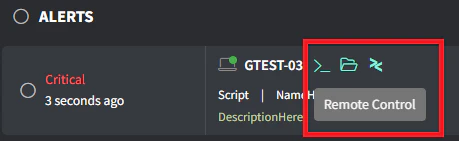
Alerts: The Remote Control and File Explorer button will appear on the Alerts list
Gorelo Connect
What is Gorelo Connect
Gorelo Connect is the built-in remote control and file explorer tool, distributed via the Base Workstation and Base Server policies for managed assets.
Gorelo Connect is the built-in remote control and file explorer tool. By default, the Gorelo Connect plugin is distributed via the Base Workstation and Base Server policy.
If the Gorelo Connect plugin is present and enabled on an asset, it will appear in a few places:
Previous
Install Gorelo Connect (remote control)Install Gorelo Connect on Windows or macOS technician workstations to start remote control sessions from the Asset Detail page using one-click connections.
Next