A browser-based version, Gorelo Connect v2, is available in alpha. See Try Gorelo Connect v2.
-
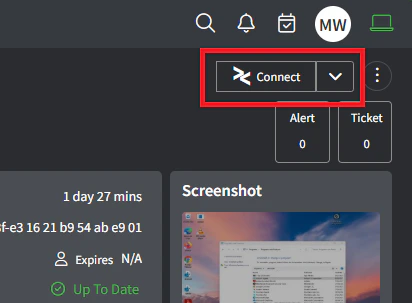
Asset Detail: The ‘Connect’ button will appear in the top-right corner of the Asset Detail page
-
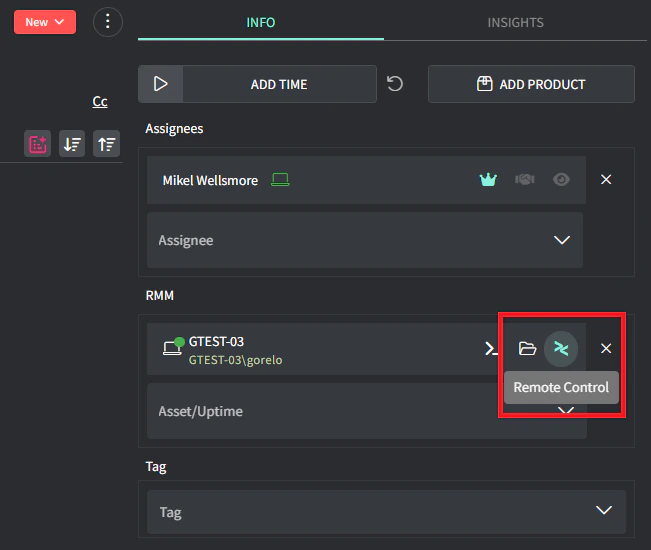
Ticket Detail: The Remote Control and File Explorer button will appear on the Ticket Detail page when an asset has been added
-
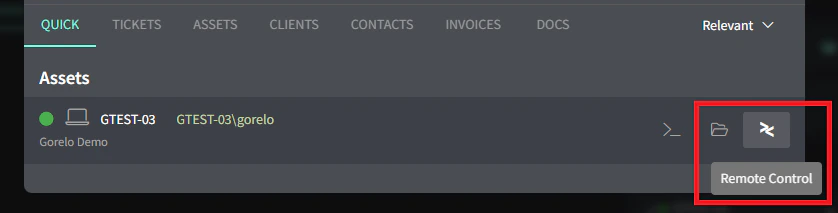
Search: The Remote Control and File Explorer button will appear in search
-
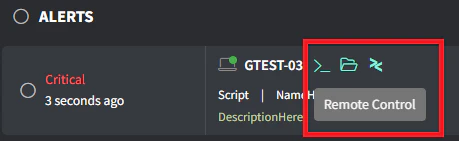
Alerts: The Remote Control and File Explorer button will appear on the Alerts list