Gorelo Documentation home page
Search...
⌘K
Overview
Install the monitoring tools
Gorelo Agent
Gorelo Connect
What Is Gorelo Connect
Install Gorelo Connect (Remote Control)
Install the Gorelo Connect Plugin
Uninstall Gorelo Connect
Troubleshooting
Gorelo Connect shows a black screen on Windows (tech side)
Malwarebytes ThreatDown blocks Gorelo Connect
Monitor
Uptime
Scripts
Policies
Assets
How-to guides
Script examples
Other ways to deploy the Gorelo agent
Display an icon in the Windows system tray
Perform automatic updates with Windows Patch Management plugin
Troubleshooting
Antivirus tab shows old entries
Could not create SSL/TLS secure channel
Changelog
Dashboard
Gorelo Documentation home page
Search...
⌘K
Ask AI
Changelog
Dashboard
Dashboard
Search...
Navigation
Troubleshooting
Gorelo Connect shows a black screen on Windows (tech side)
Get Started
Service Delivery
Remote Management
Billing
Integrations
API
Get Started
Service Delivery
Remote Management
Billing
Integrations
API
Troubleshooting
Gorelo Connect shows a black screen on Windows (tech side)
Copy page
Copy page
Problem
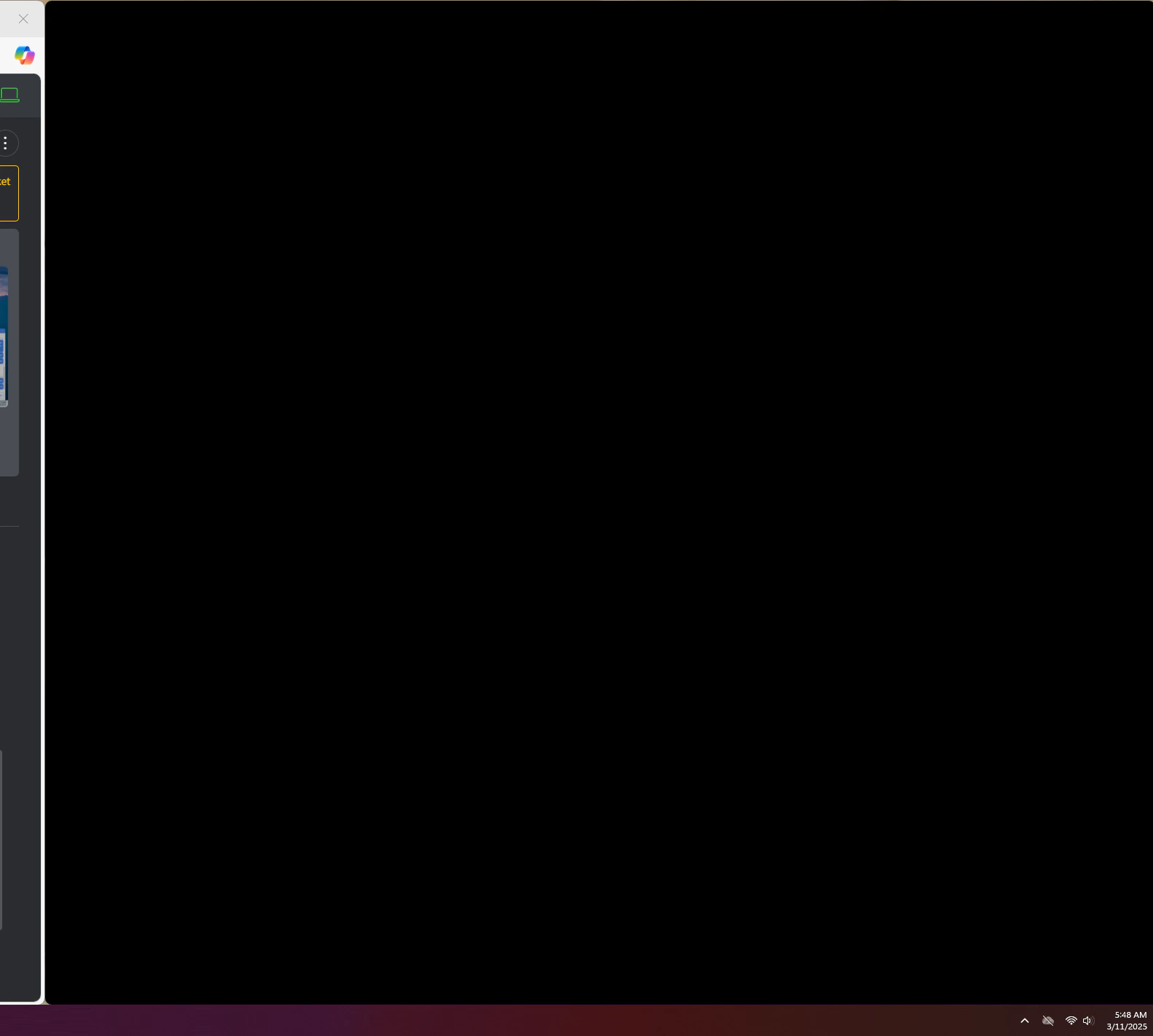
Gorelo Connect launches into a black screen on Windows.
Solution
This can be due to PowerToys FancyZones.
Add ‘GoreloConnect.exe’ to the application exclusions in FancyZones.
Was this page helpful?
Yes
No
Previous
Malwarebytes ThreatDown blocks Gorelo Connect
Next
⌘I
On this page
Problem
Solution
Assistant
Responses are generated using AI and may contain mistakes.