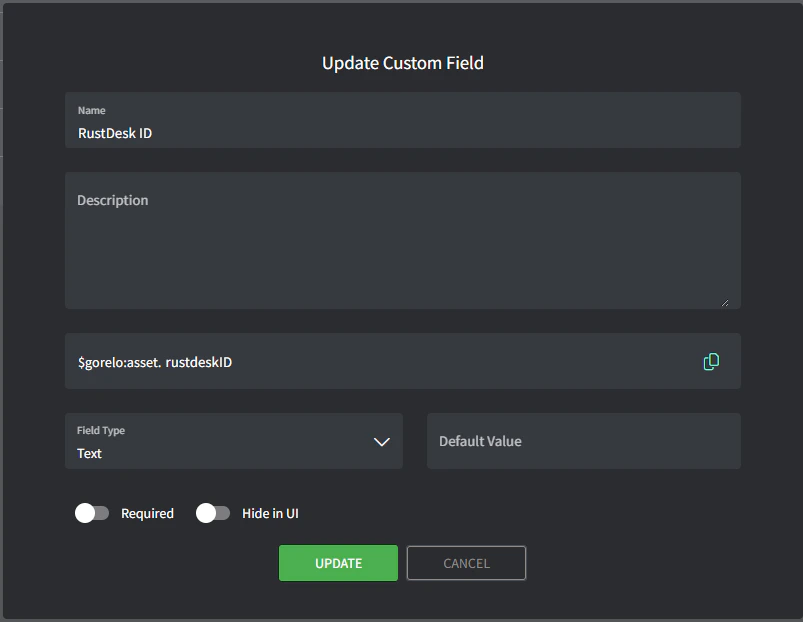
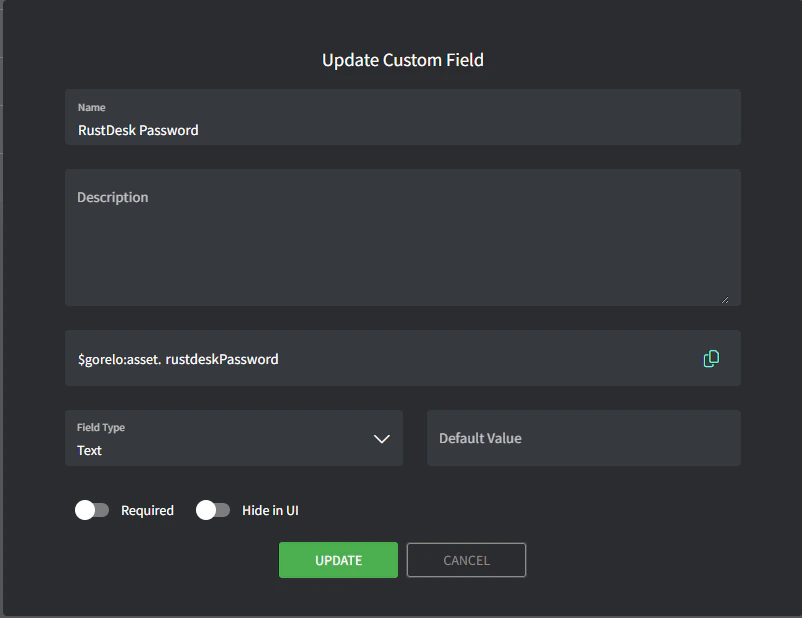
- Splashtop Business
- RustDesk
- Webroot
- Splashtop
- RustDesk
1
Create the custom asset field.
- Navigate to Settings > Assets > Custom Fields.
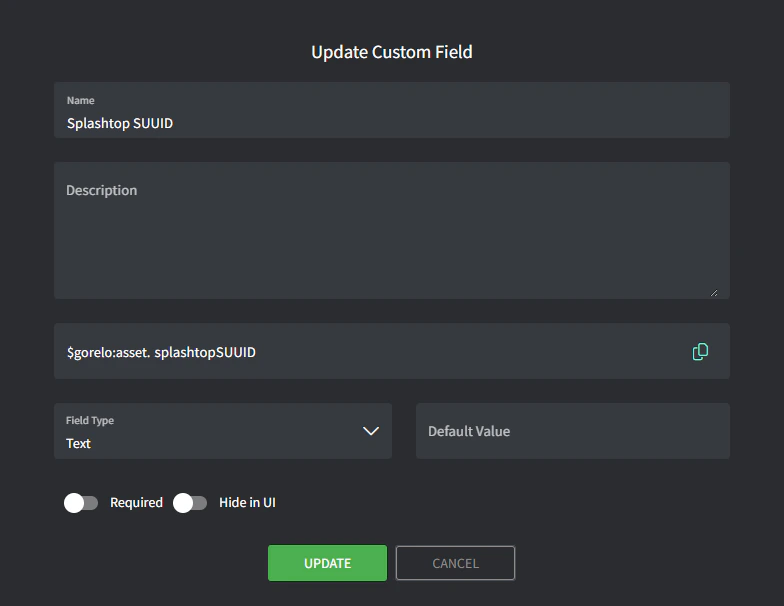
- Add custom field with the following details:
- Name:
Splashtop SUUID - Variable:
splashtopSUUID
- Name:
2
Write the script.
- Navigate to Scripts.
- Create a script with the following details:
- Name:
Store-SplashtopSUUID - Content:
- Name:
3
Deploy the script via a policy.
- Navigate to Policies.
- Edit an existing policy that covers the assets you want to store the Splashtop SUUID for.
- Add the
Store-SplashtopSUUIDscript and set to repeat daily at your preferred time. - Save and distribute the policy.
4
Create the shortcut.
- Navigate to Asset Shortcuts.
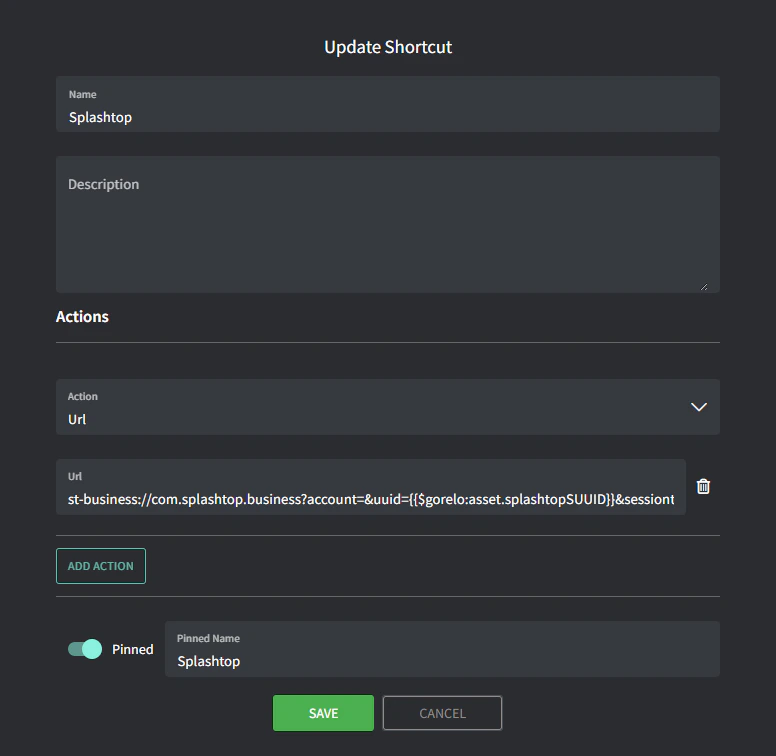
- Add a new shortcut with the following details:
- Name:
Splashtop - URL:
t-business://com.splashtop.business?account=&uuid={{$gorelo:asset.splashtopSUUID}}&sessiontype=remote - Pinned Name:
SplashtopYou should now see the SPLASHTOP shortcut up the top-right corner of the Asset Detail page. If the script successfully populated the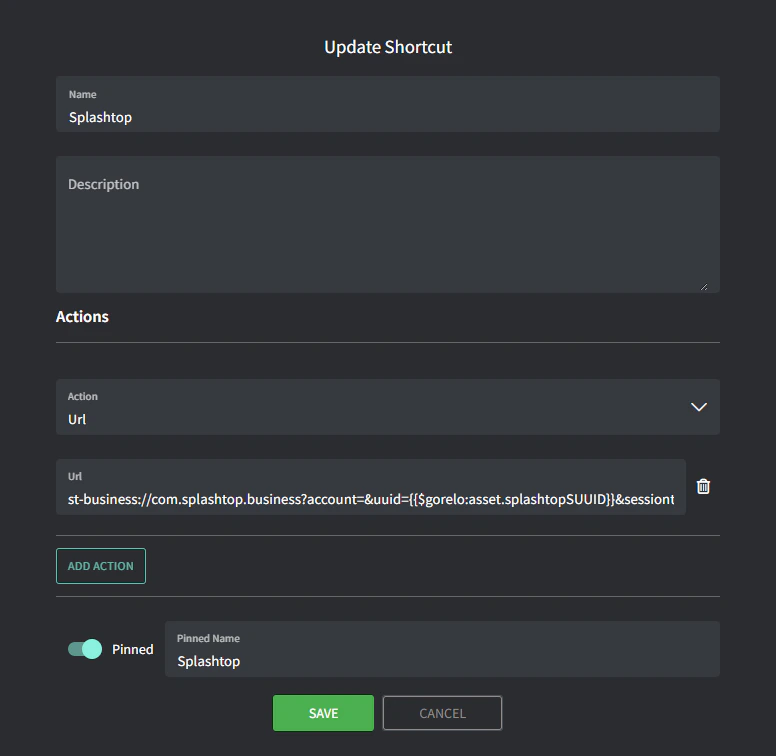
$gorelo:asset.splashtopSUUIDvariable, then this shortcut will launch the Splashtop Business application.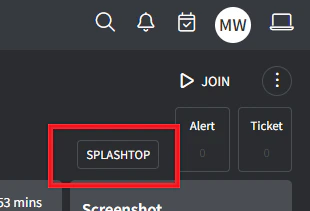
- Name: