

1
Integrate with Huntress.
- Navigate to Settings > Integrations.
- Click the ⚙️cog icon to configure Huntress.
- Fill in the required fields.
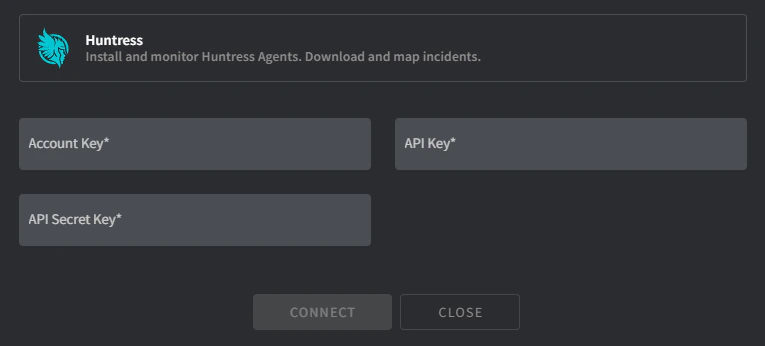
- Account Key:
- Navigate to https://[yourdomain].huntress.io/account/installer.
- Copy the Account Key into Gorelo.
- API/Secret Key:
- Navigate to https://[yourdomain].huntress.io/account/api_credentials.
- Click the green Setup button to begin the process to generate your API Key.
- Copy the API Key and API Secret Key into Gorelo.
- Click Connect and the Client <-> Organization mapping screen will appear.
- Map Gorelo clients to the appropriate Huntress organization.
- Click Map when complete.
2
Distribute the Huntress plugin.
- Navigate to Policies in the main menu.
- Add the Huntress plugin to an existing policy or create a new one.
- Click Distribute.