

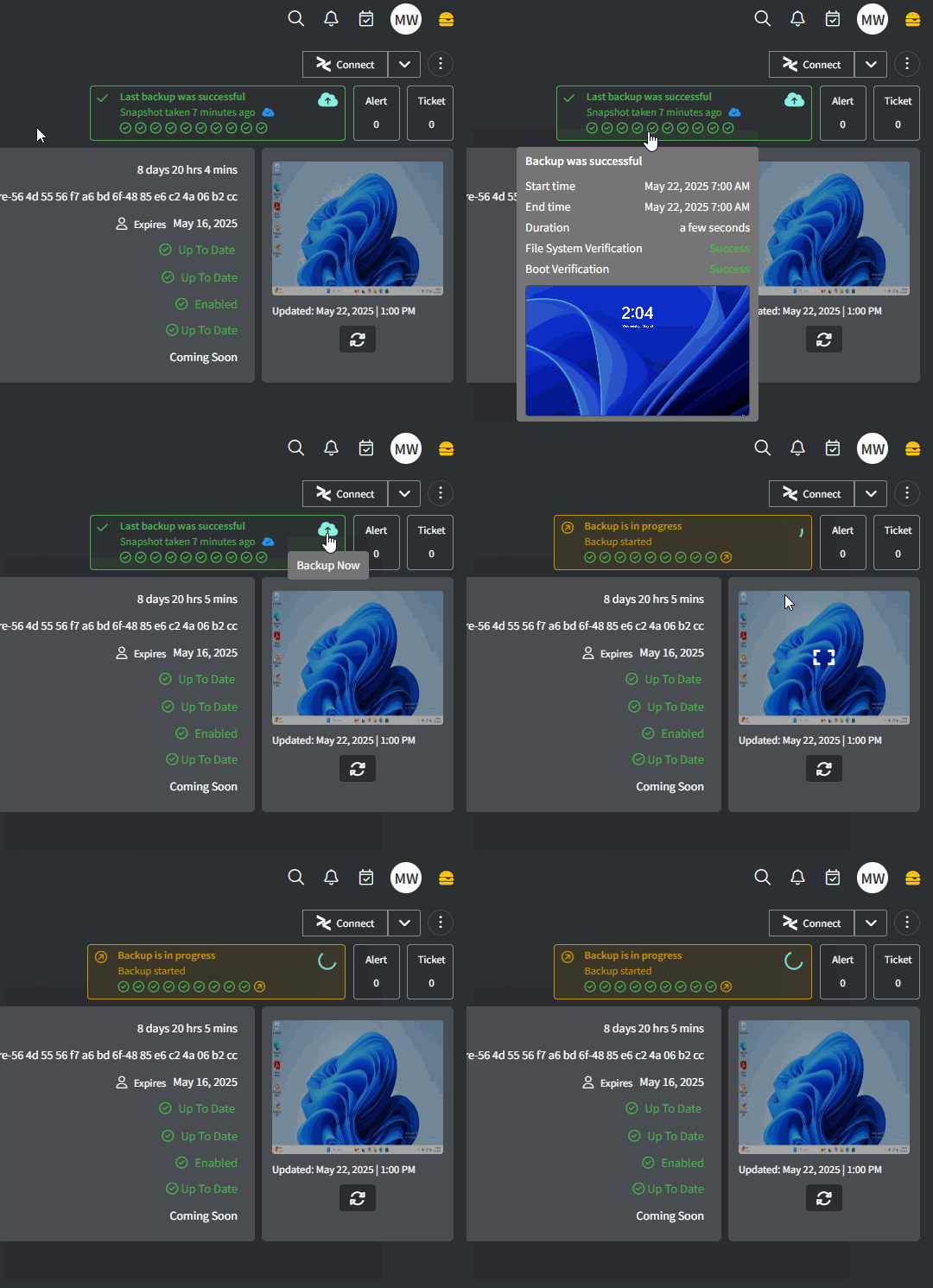
1
Navigate to Settings > Integrations.
2
Click the ⚙️cog icon to configure Slide.
3
Fill in the required fields:
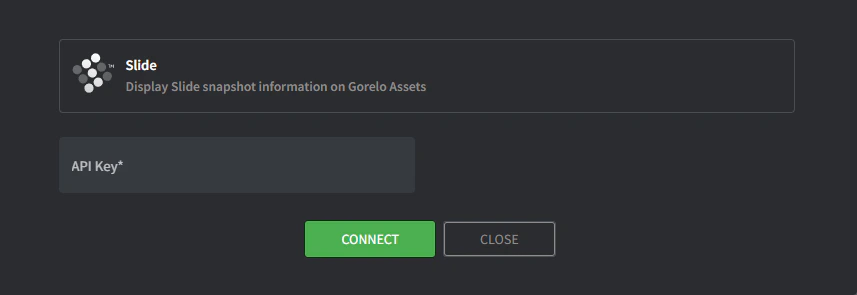
- API Key:
- Navigate to https://console.slide.tech/settings
- ‘Create API Token’
- Copy and paste the token into Gorelo
4
Click Connect.
5
Click the Map Agents icon on the integration.
6
Map Gorelo Assets to the appropriate Slide Agents.
7
Click Update when complete.
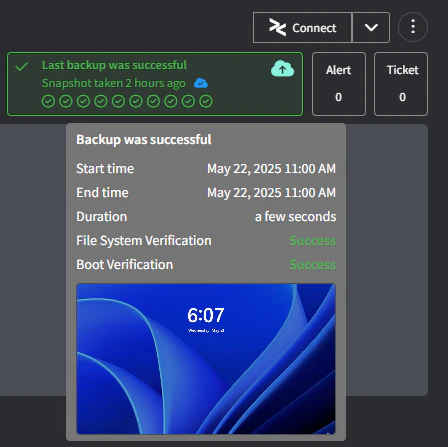
- Yellow: The status of the last 10 snapshots (oldest to newest). Hover to see more detail.
- Red: The status of cloud replication (solid blue is replicated to the cloud, outline-only is not replicated to the cloud).
- Orange: Click to initiate a snapshot.
- Click anywhere else to navigate to the Slide portal.