

1
Navigate to Settings > Integrations.
2
Click the ⚙️cog icon to configure Pax8.
3
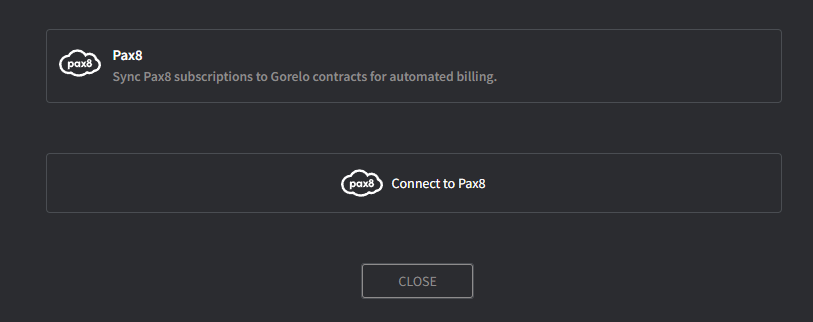
Click Connect to Pax8 and log in with your Pax8 account.
4
Accept the permissions and you will be navigated back to Gorelo.
5
Toggle on Create Pax8 Client.
Do this if you’d like to automatically create a Pax8 client when one is created in Gorelo.
6
Fill in the Contact Information fields.
This information will be used on all new orders in Pax8.
7
Click Continue.
The Client Mapping screen will appear.
8
Map clients in Gorelo to clients in Pax8.
9
Click Map when complete.
FAQ
Can I sync my Pax8 subscription with Gorelo?
Can I sync my Pax8 subscription with Gorelo?
Yes. Gorelo currently supports subscription-based services from Pax8.