

- Navigate to the Assets List from the main menu.
- Click an agent asset that’s currently online.
- Navigate to the CLI tab down the left side.
- Generate a test alert by pasting the following command into the CLI of an asset:
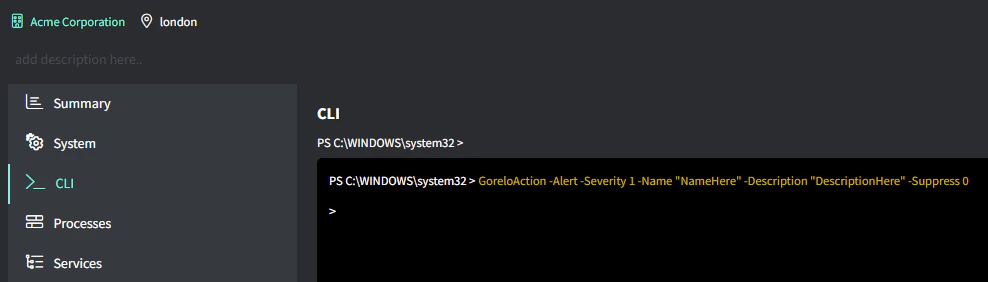
Generate a test alert in Gorelo using a GoreloAction CLI command on an online agent asset to verify alert delivery and ticket creation workflows.