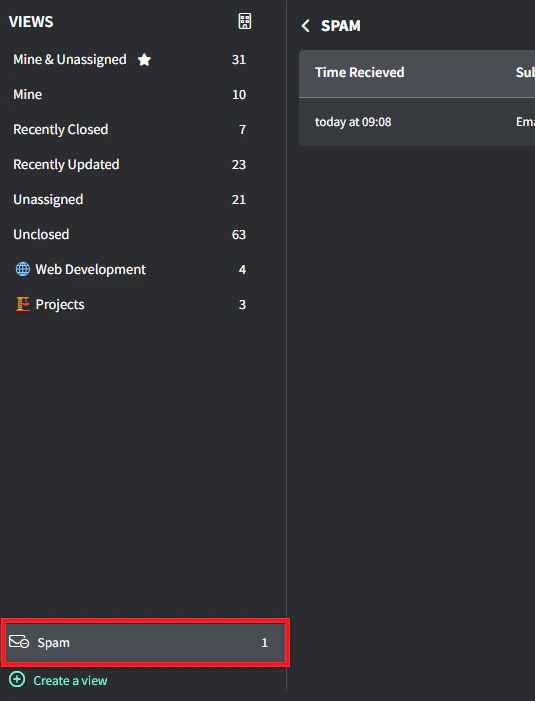
A dedicated Spam view to manage suspicious emails before they reach your ticket queue.
The Spam view can be accessed via the Ticket List → Spam (above the ‘Create a View’ button)
The system intercepts potential spam emails and holds them for review, displaying:
- Time Received
- Subject
- Sender
- Spam Score
- Recipient
Each intercepted email offers two actions:
- Create Ticket: Converts legitimate emails to tickets
- Delete: Removes the unwanted email (cannot be undone)
Currently, Gorelo’s filtering thresholds are extremely conservative to minimize false positives. Protection levels will increase with additional email volume and as patterns emerge.