

- Navigate to Forms from the menu.
- Click Create form down the bottom-left.
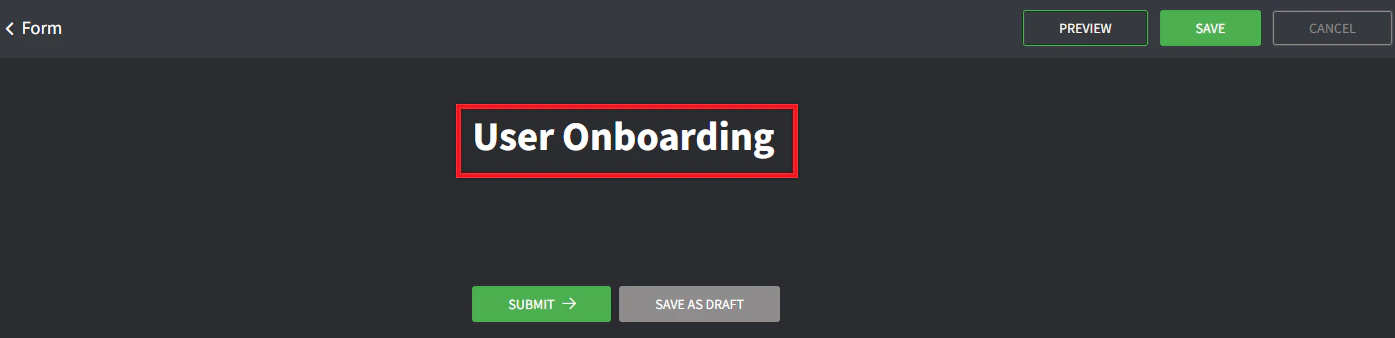
- Give the form a title (this is what the client will see).
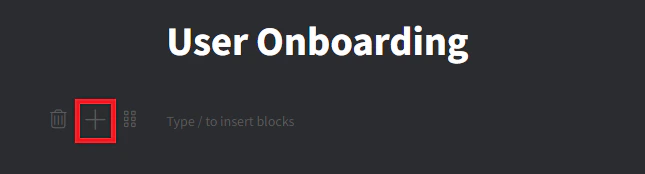
- Create a new field block by clicking the + button or typing
/.
- Select Question + Short Answer.
- Give the field block a title of First Name.
- Click the required toggle to make this field mandatory.
- Click Save up the top right.
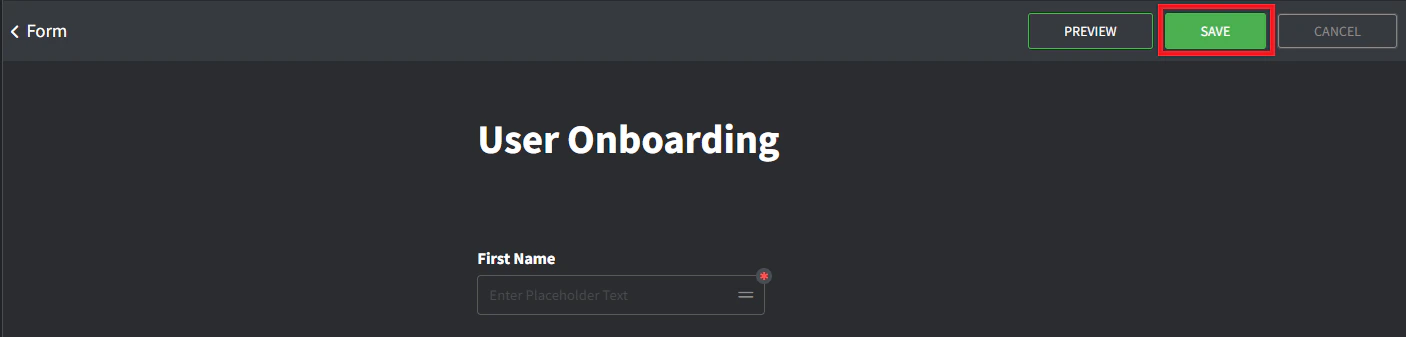
- Click Preview up the top right to see what the form will look like.
- Click Go Back up the top right to navigate back to the Form editor and continue with additional fields.
Forms
Create a form
Create a form in Gorelo to capture client information, build it with question and answer blocks, mark required fields, and publish it for self-service use.
To create a form: