

- Navigate to Forms from the menu.
- Select the form on the left.
- Click the Submission Link button up the top right to copy the link.
Generate a form link from an existing ticket
- Create or navigate to an existing ticket.
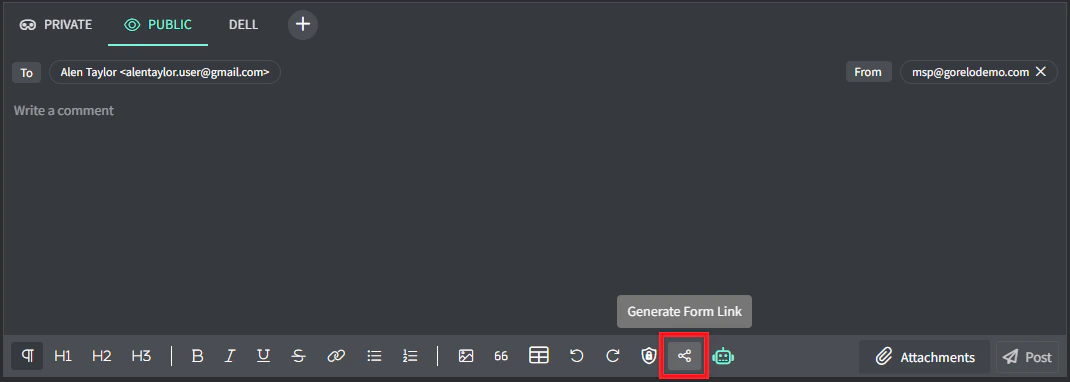
- Click public comment in the comment box.

- Type Click here and highlight the word here.
- Click the Generate form link button.
- Click the appropriate form to link.