

How to summarize a ticket
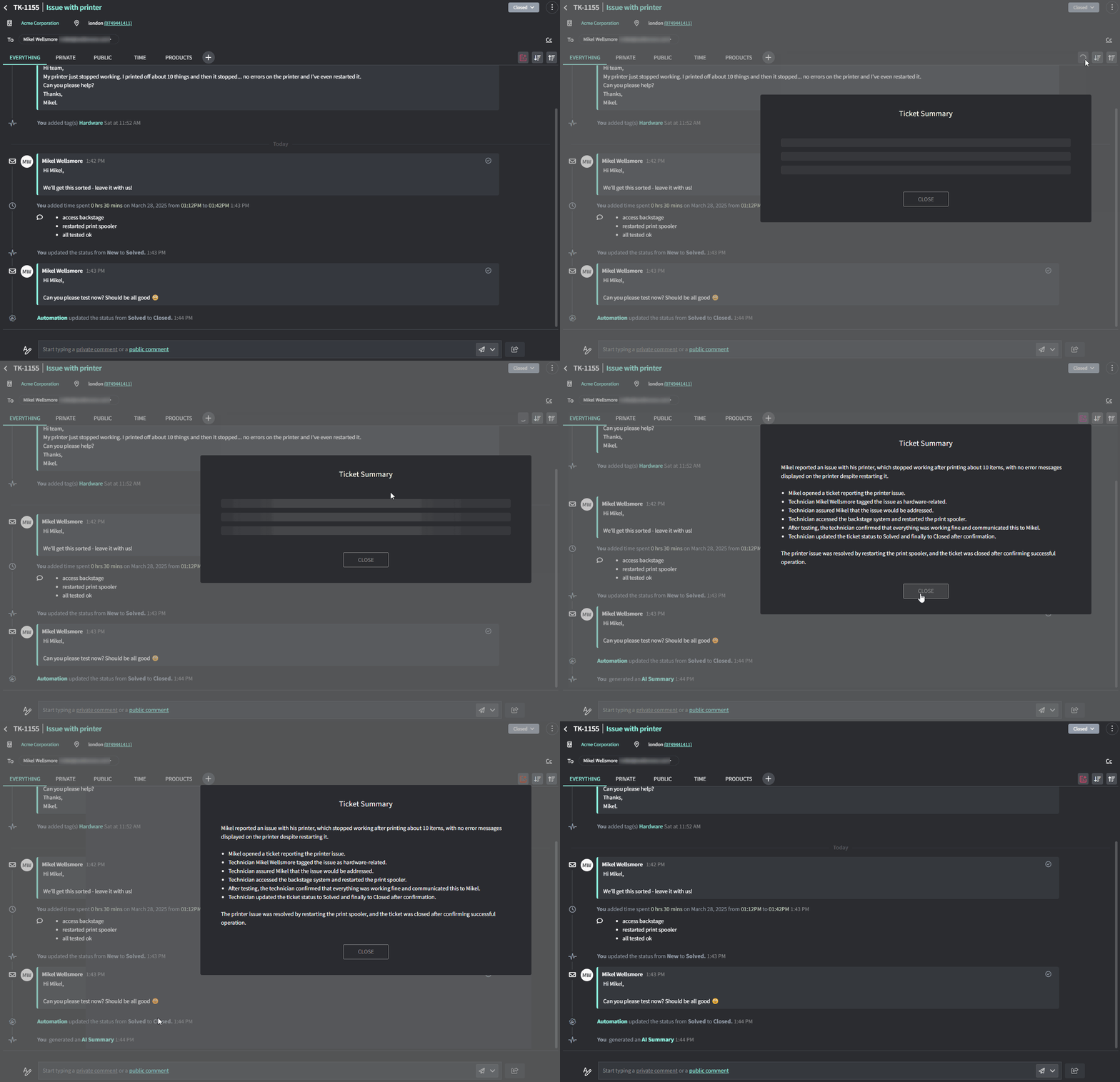
- Go to the Ticket Detail page for any ticket
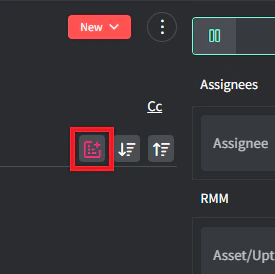
- Click the Summary button in the top-right corner of the timeline
- AI will give you a summary of everything that went on.
Use the Gorelo Ticket Summary AI feature to generate a concise rundown of a ticket’s full timeline so you can catch up without scrolling every comment.